Team chat, announcements and event threads
Every team has an open team chat, an announcements thread, and a thread on each event. Adults on the team, including parents of children on it, can read and post. Players under 18 can read but not post. Team chat never sends a notification. There are no direct messages between people.
Post in team chat
- In the menu, choose Inbox, then a team's chat (or open the team and choose Team chat).
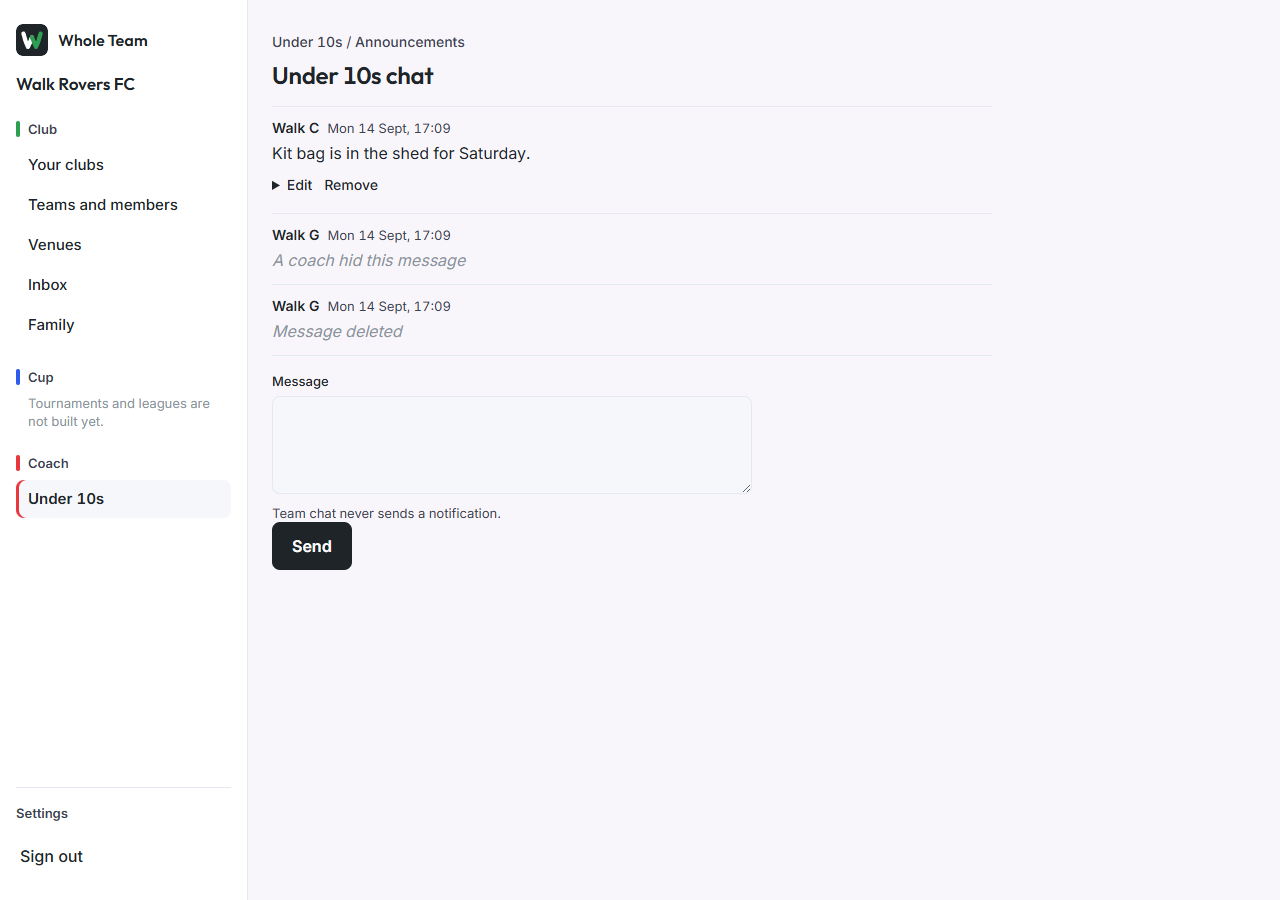
- Type in Message and choose Send.
Announcements
- Open the team's Announcements.
- Coaches, managers and club admins write a New announcement and choose Send.
- Everyone else chooses Reply under an announcement.
Change or remove your own message
- Under your message, choose Edit, change the text and choose Save. The message shows "edited".
- To take it back, choose Remove. Everyone then sees "Message deleted".
The original text is kept, and the club's safeguarding officer can see it if they need to.
Hide someone else's message (coaches)
- Under the message, choose Hide.
- Everyone sees "A coach hid this message". The text is kept.
Event threads
On any event page, the Thread at the bottom is for that event only: lifts, kit, "is the car park open early?".
Players under 18
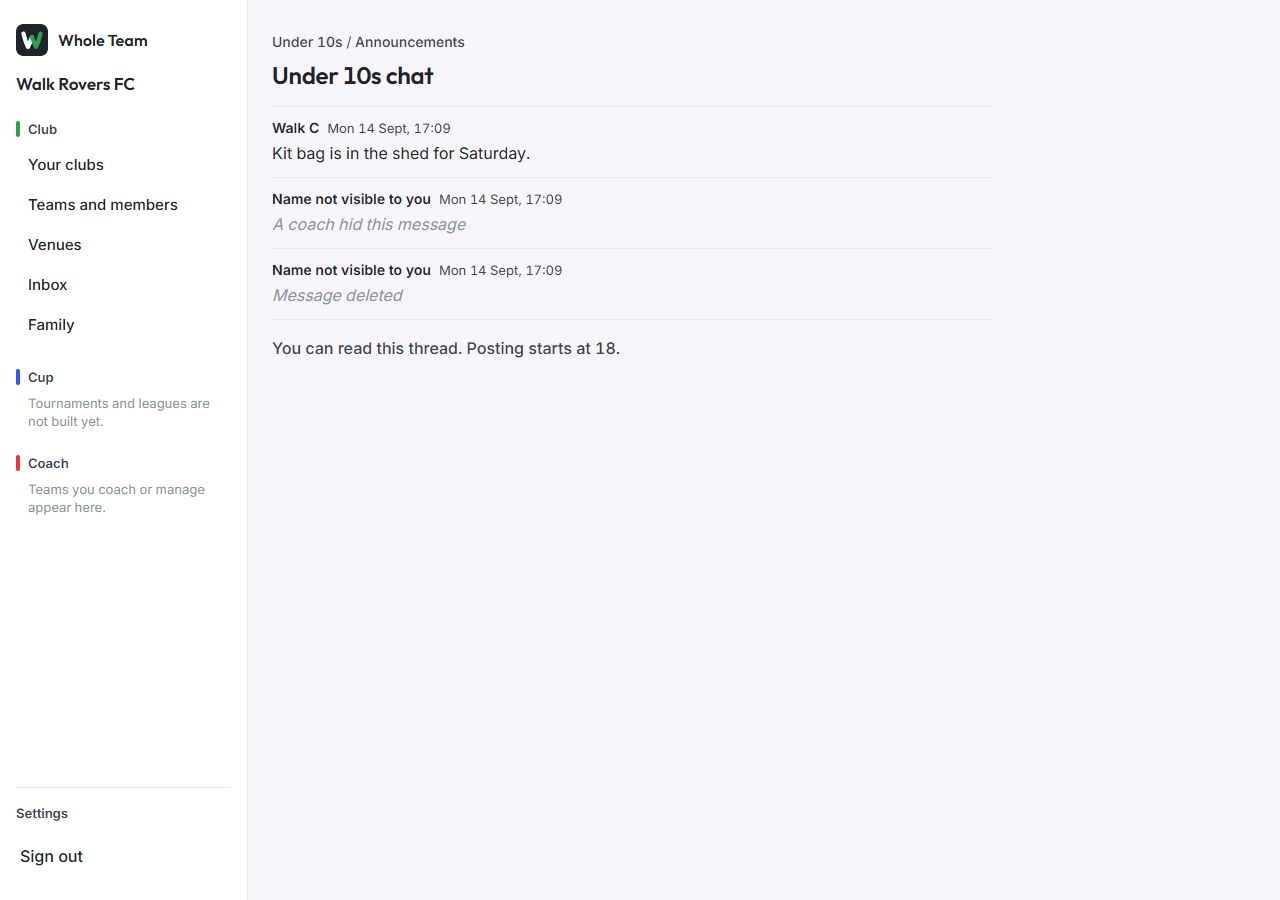
A player under 18 sees every message and "You can read this thread. Posting starts at 18."