Code of conduct
A club publishes its code of conduct, starting from the Whole Team template, and every adult member accepts it the next time they sign in. The safeguarding officer and club admins can see who hasn't. Players under 18 are not asked.
Publish it
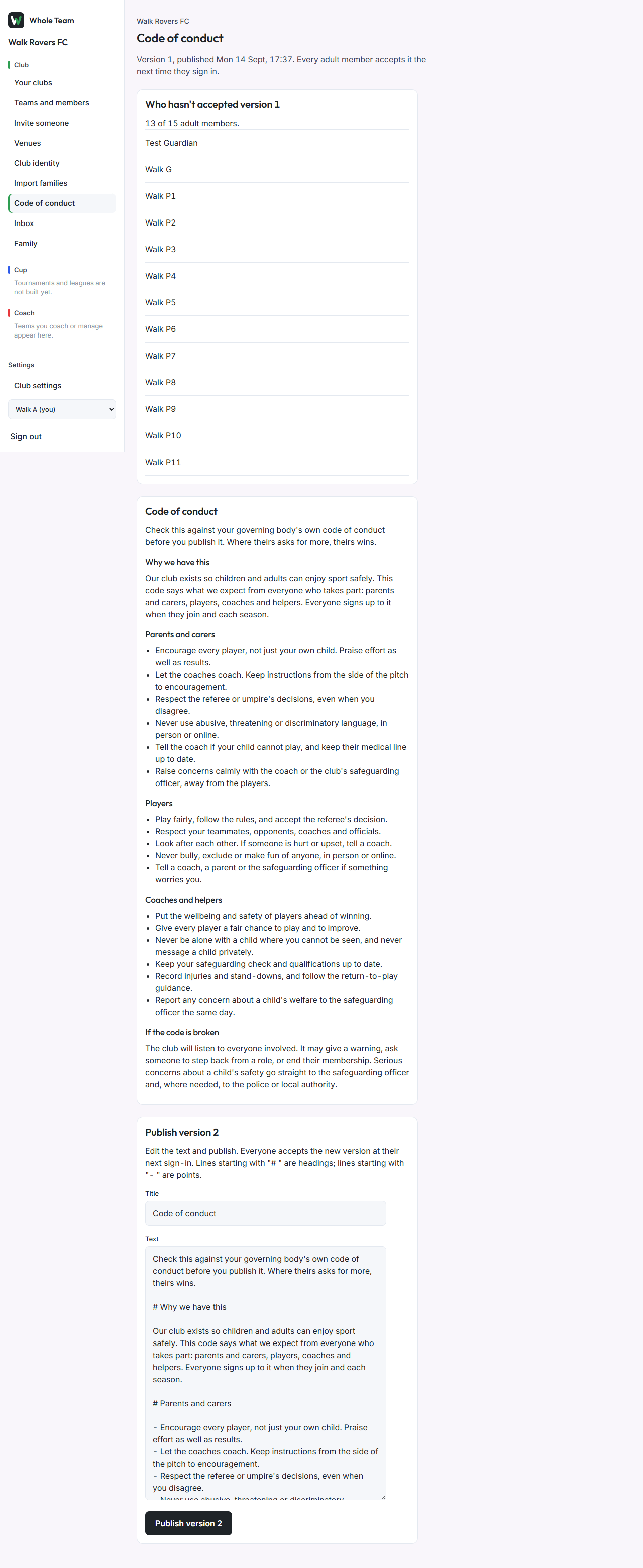
- In the menu, under Club, choose Code of conduct.
- The text starts from the Whole Team template. Check it against your governing body's own code first; where theirs asks for more, theirs wins.
- Edit the text. Lines starting with "# " are headings; lines starting with "- " are points.
- Choose Publish version 1. Later changes publish as version 2, 3 and so on; earlier versions are kept.
Accept it (every adult)
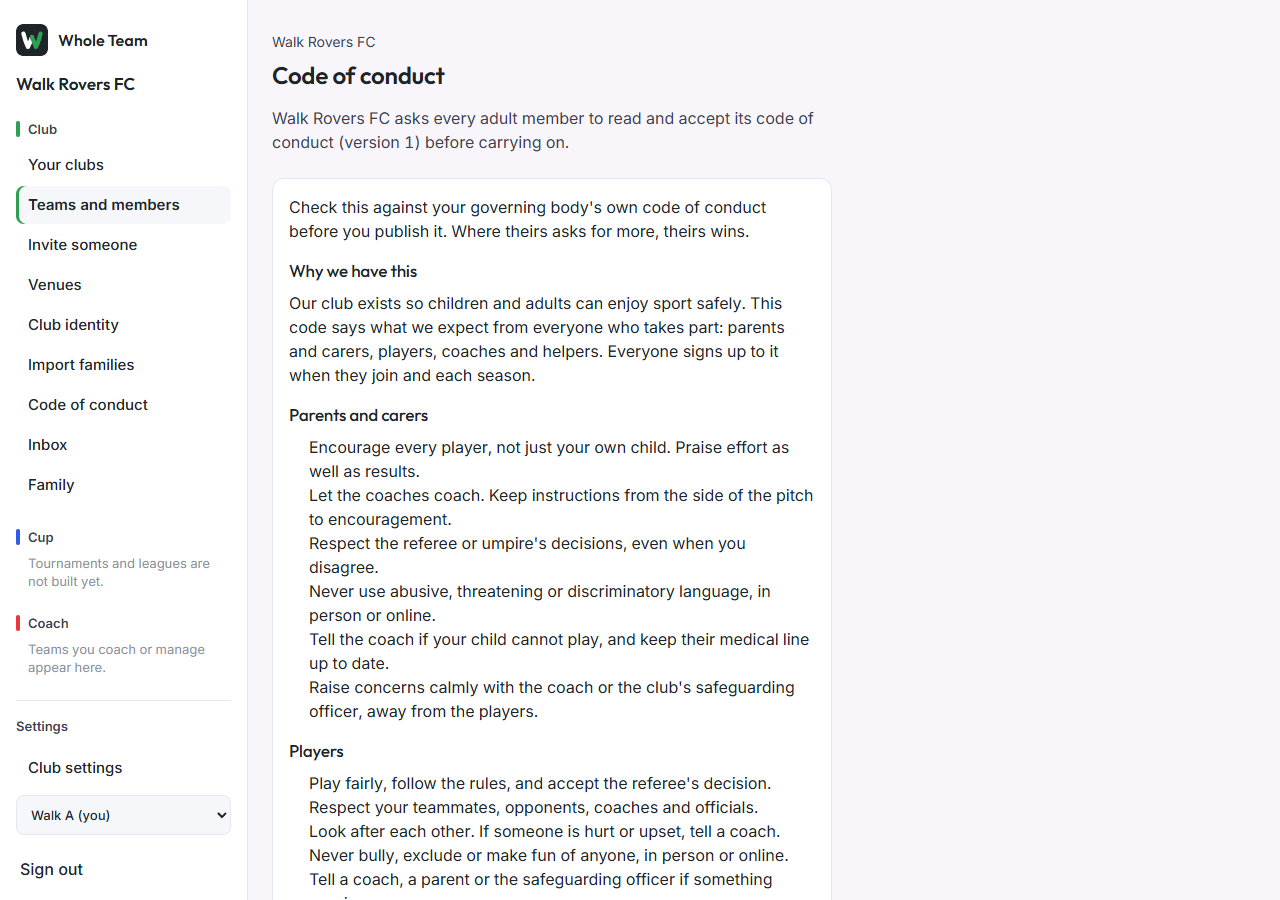
- After a version is published, the next page an adult opens shows the code of conduct instead.
- Read it and choose I've read it and I accept. The portal then carries on as normal.
See who hasn't accepted
On Code of conduct, Who hasn't accepted lists adult members who haven't accepted the current version, with a count.