Inviting people and importing families
Club admins invite people one at a time from Invite someone, or bring a whole team list across with Import families. Every invite sends an email from the club. A child from an import is added only when their guardian signs in and confirms them.
Invite one person
- In the menu, choose Invite someone.
- Enter their email, choose the role and the team (or Whole club), and choose Add invite.
- The list shows "Invite sent" with the time once the email has gone. If it didn't go, the row says why and offers Try again.
- If they haven't joined after a week, they get one reminder email. Nothing more is sent.
Import families from a spreadsheet
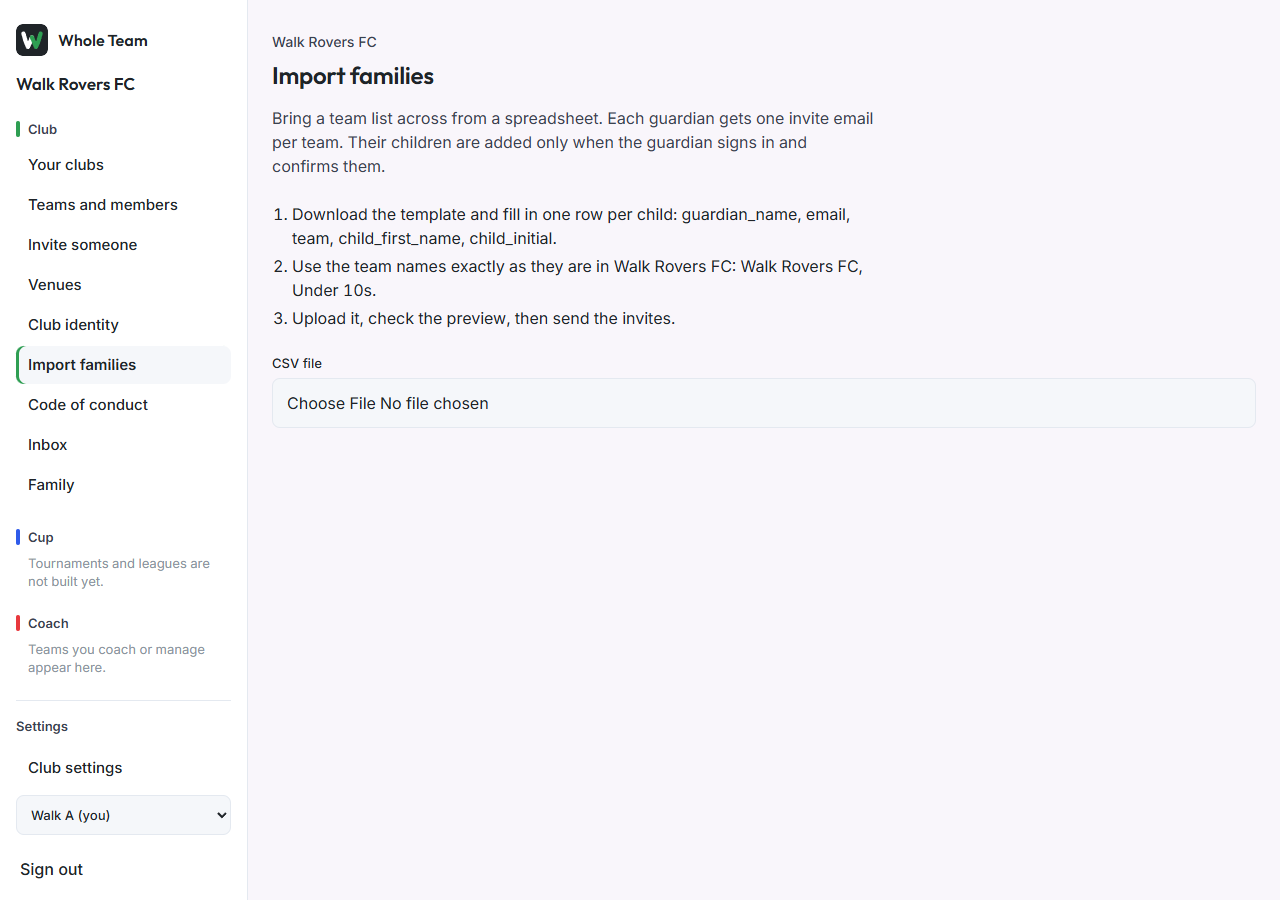
- In the menu, choose Import families, then Download the template.
- Fill in one row per child: guardian name, email, team, child's first name, child's initial. Use the team names exactly as they are in the club.
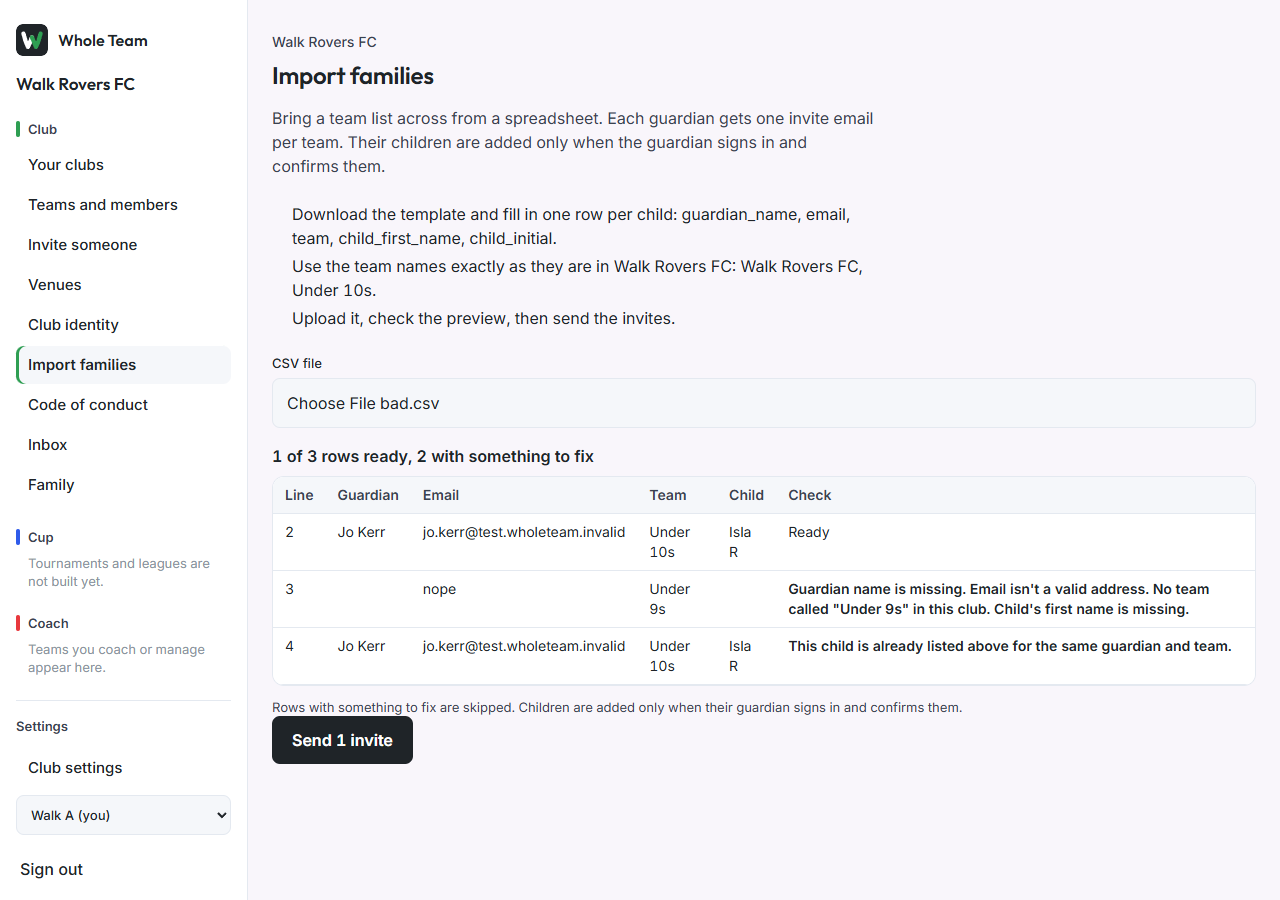
- Choose the file. The preview shows every row with Ready or what to fix. Rows with something to fix are skipped.
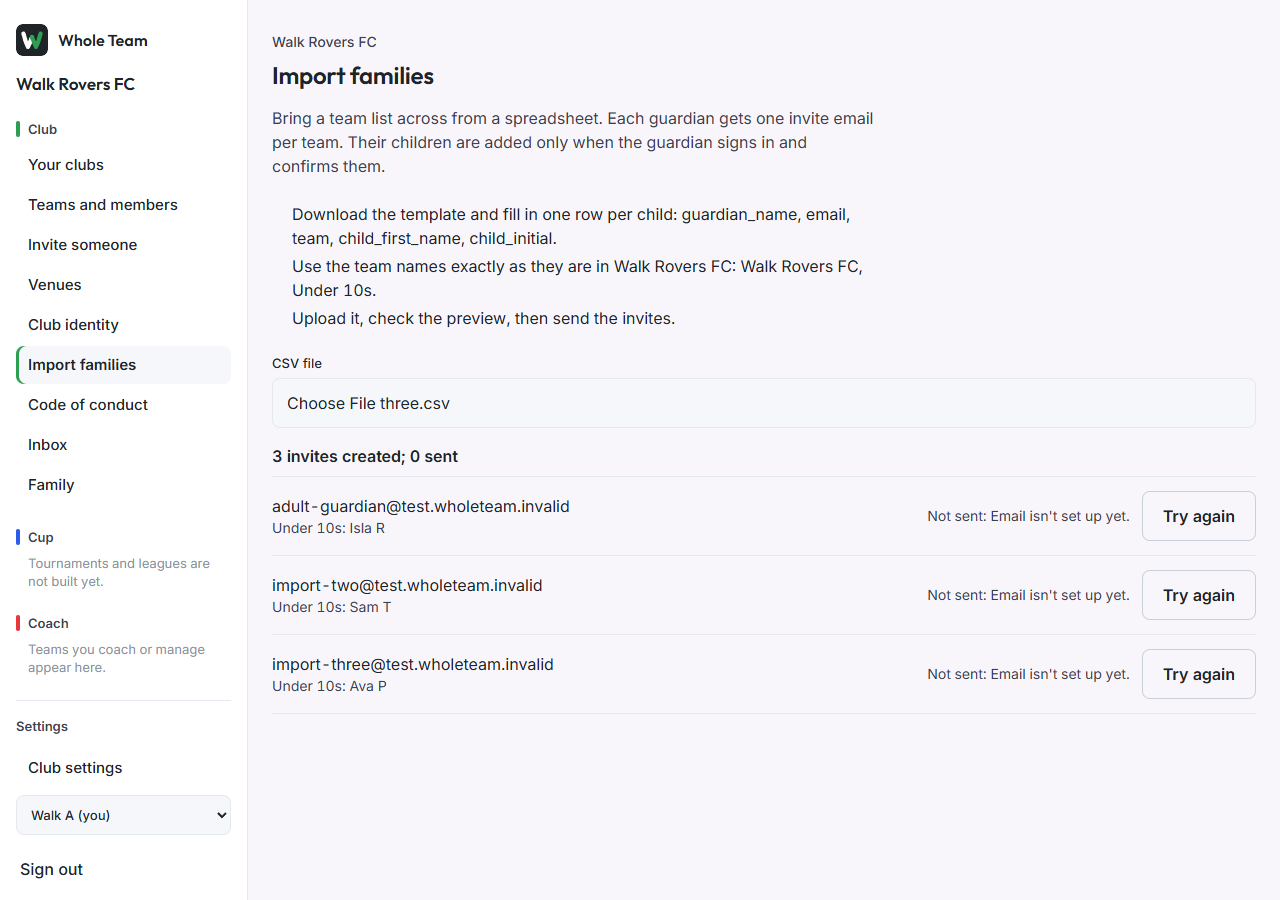
- Choose Send invites. Each guardian gets one invite per team, and the emails go out one after another. Each row shows "Invite sent", or why not with Try again.
What the guardian sees
- They sign in with the invited email address. The home page says "Your club listed children with your invite".
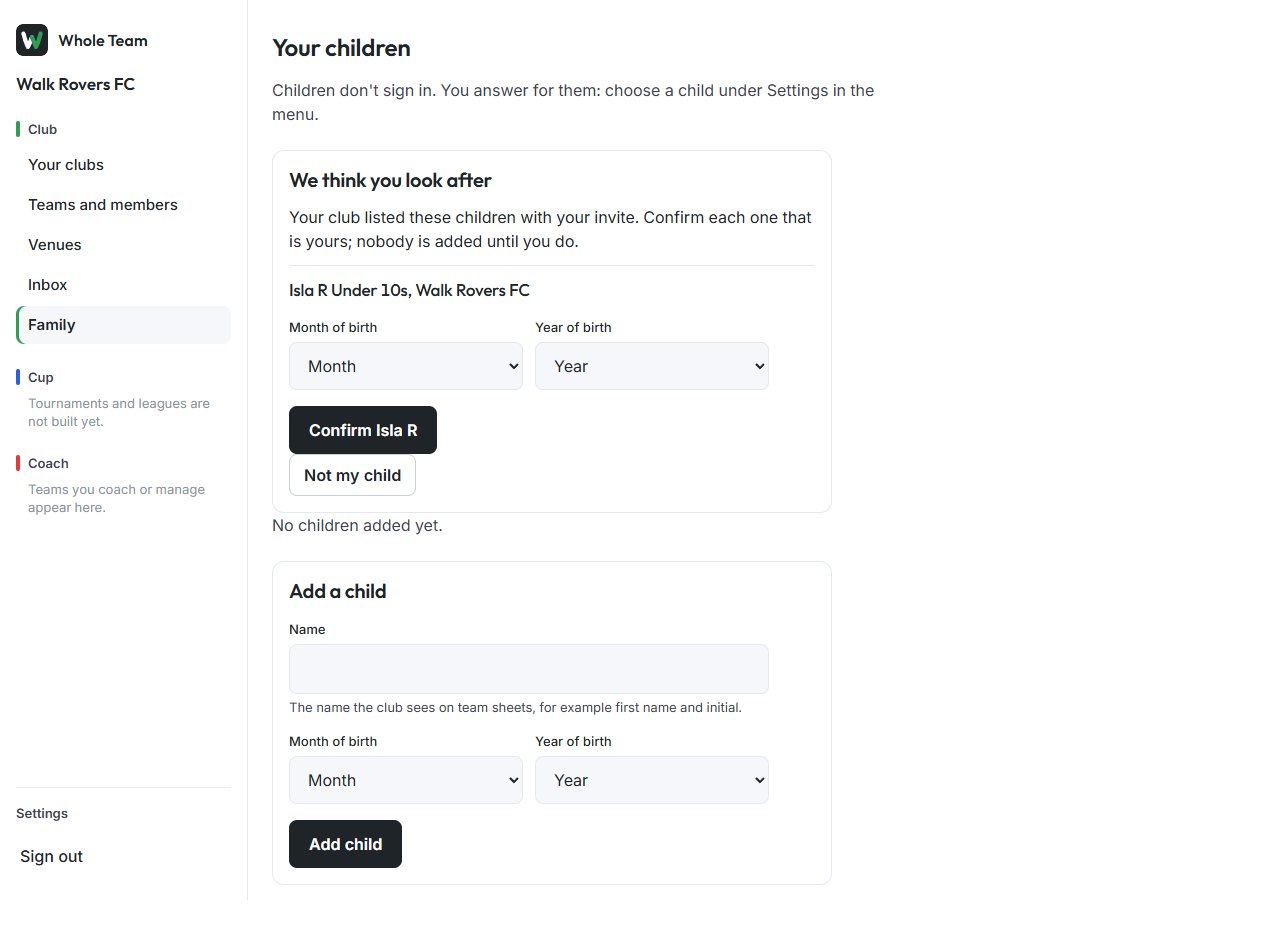
- On Family, We think you look after lists each child from the import.
- For each child that is theirs, they choose the month and year of birth and Confirm. The child joins the team.
- Not my child removes the name. Nobody is created.