Notifications
Whole Team interrupts people only for four things. Everything else waits for the daily digest.
- An event is cancelled, or moved to a new time or venue.
- A child is selected, or put on standby.
- A payment is due (when payments arrive).
- A coach posts an announcement.
Team chat never sends a notification. There are no direct messages.
Who is told
When a coach cancels or moves an event or posts an announcement, every family on the team is told: each guardian of a child on the team, and each adult on the team. The person who made the change isn't. When a child is selected or put on standby, only that child's guardians are told, and only when it's new.
A notification goes to the phones a person has the app on. If it can't be sent, it appears under Changed in their next digest instead, so nothing is missed.
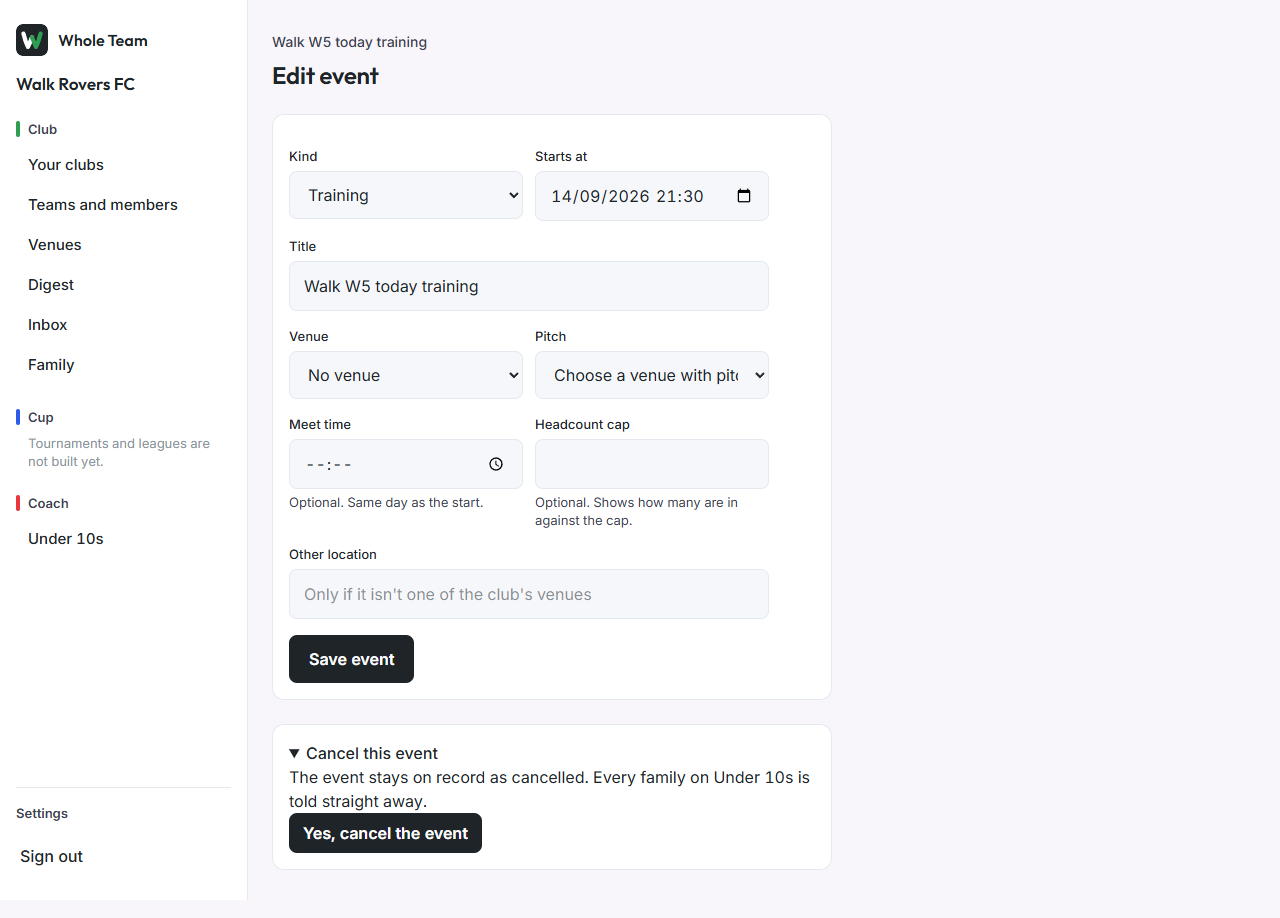
Cancel an event (coaches)
- Open the event, then Edit event.
- Open Cancel this event and choose Yes, cancel the event.
- The event page says "This event is cancelled." It stays on record, and every family on the team is told.