Building a session
A training session can have a plan: blocks in order from warm-up to cool-down. Each block is a drill from the playbook or a line of free text. Only the team's coaches see the plan. Families see the event as usual.
Opening the plan
- Open the training event.
- Choose Session plan. This link only shows for the team's coaches, and only on training.
Adding blocks
- From a drill card: choose Add to with the day (for example Add to Tuesday). The drill goes to the end of that session's plan, with the card's minutes.
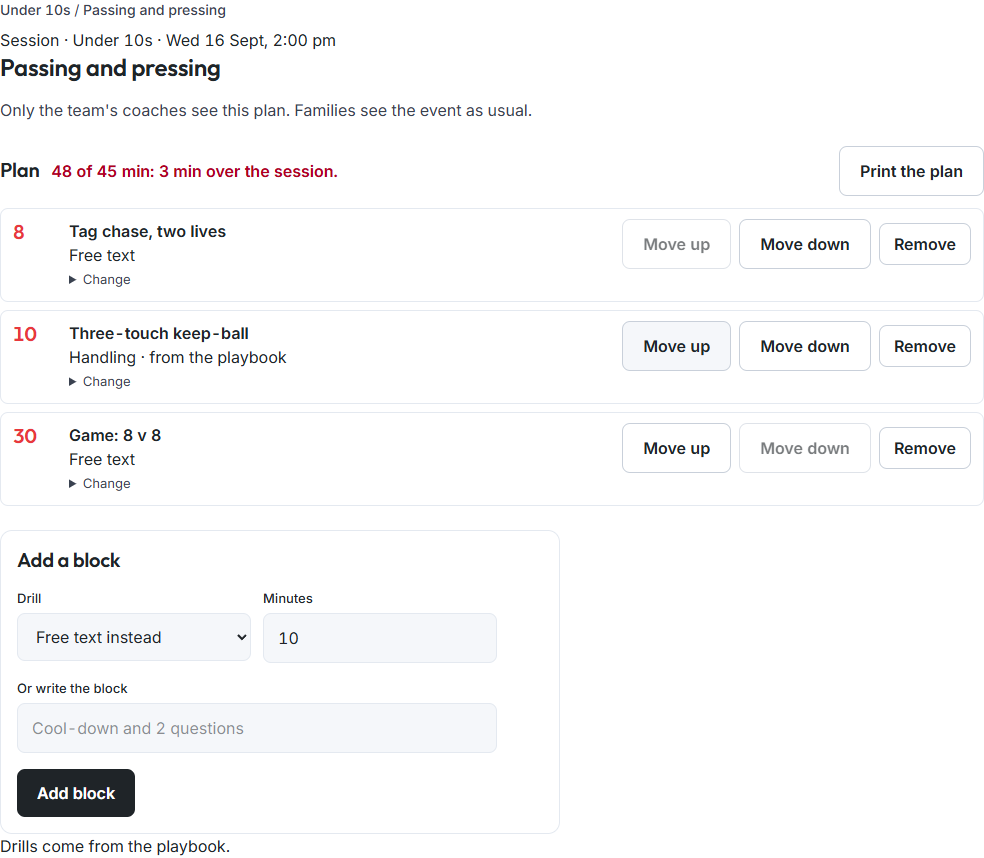
- On the plan: under Add a block, choose a drill from Our playbook or Library. Or leave Free text instead and write the block, for example "Cool-down and 2 questions". Set the minutes and choose Add block.
Arranging the plan
- Order: drag a block to move it, or use Move up and Move down.
- Minutes and notes: choose Change on a block.
- Remove takes a block out of the plan.
- The total: the line at the top shows the planned minutes against the session's length, for example "48 of 45 min: 3 min over the session". If the event has no end time, it shows the total only.
On paper
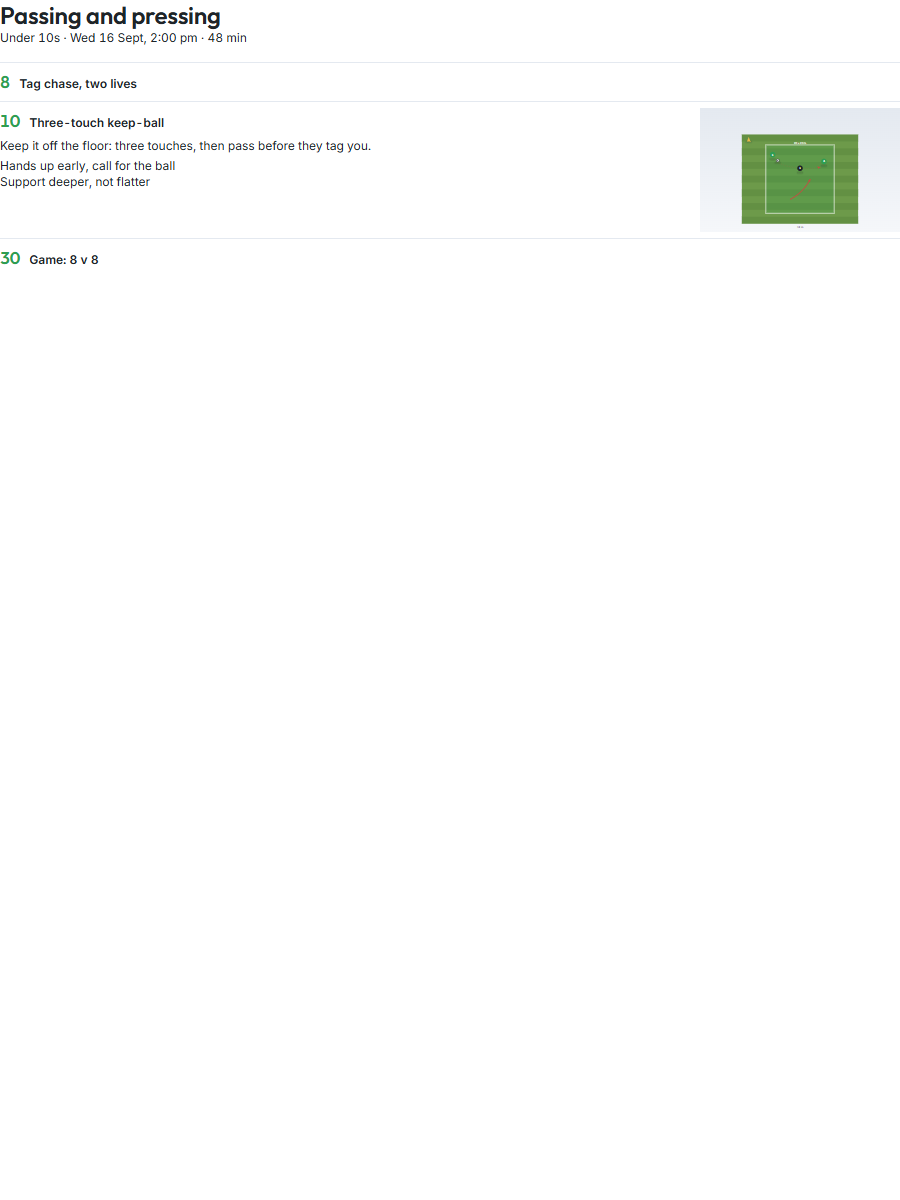
Choose Print the plan, then Print. The plan fits one page, with each drill's one-breath line, coaching points and diagram, drawn flat.