Share an event to WhatsApp
Most teams already have a WhatsApp group. A coach can post any event into it from their own phone: a short summary and a link. Families tap the link to open the event in Whole Team and say whether they can make it. Replies happen in Whole Team, not in the group.
Share it
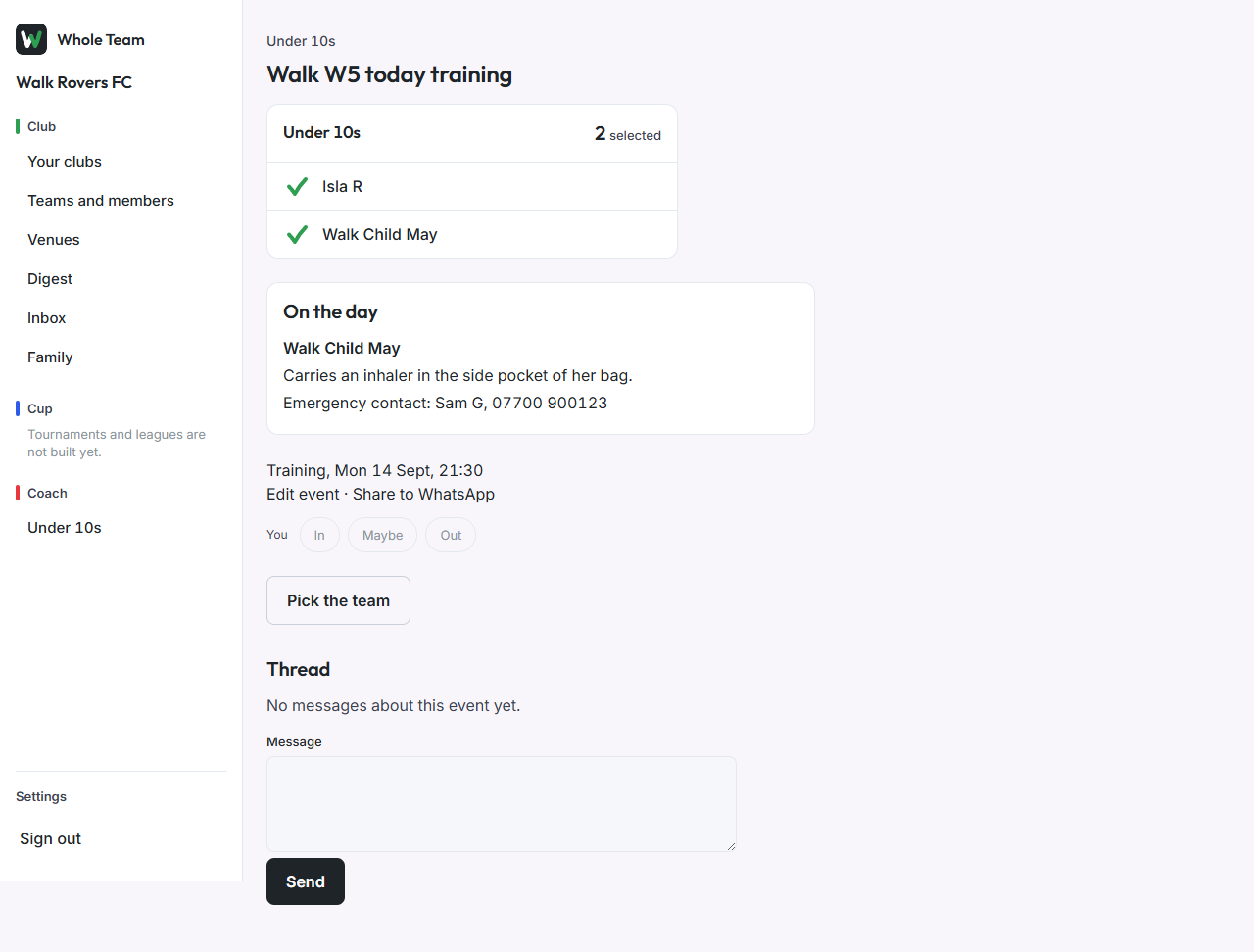
- Open the event. Coaches, managers and club admins see Share to WhatsApp next to Edit event.
- Choose it. WhatsApp opens with the message ready: the team, the event, when and where, and "Say if you can make it" with the link.
- Choose your team's group and send.
What the link does
- Signed in: it opens the event.
- Not signed in: it asks them to sign in with their email code, then opens the event.