Bringing families into a team
Every team has one link that brings its families in. You post it once in the team's WhatsApp group; each family taps it, signs in with their email or mobile, and asks to join, and the team's coaches let them in. Unlike an invitation, it is not for one family and does not run out, so it is made for a group chat. The team's coaches and the club's admins see it; nobody else does.
Where it is
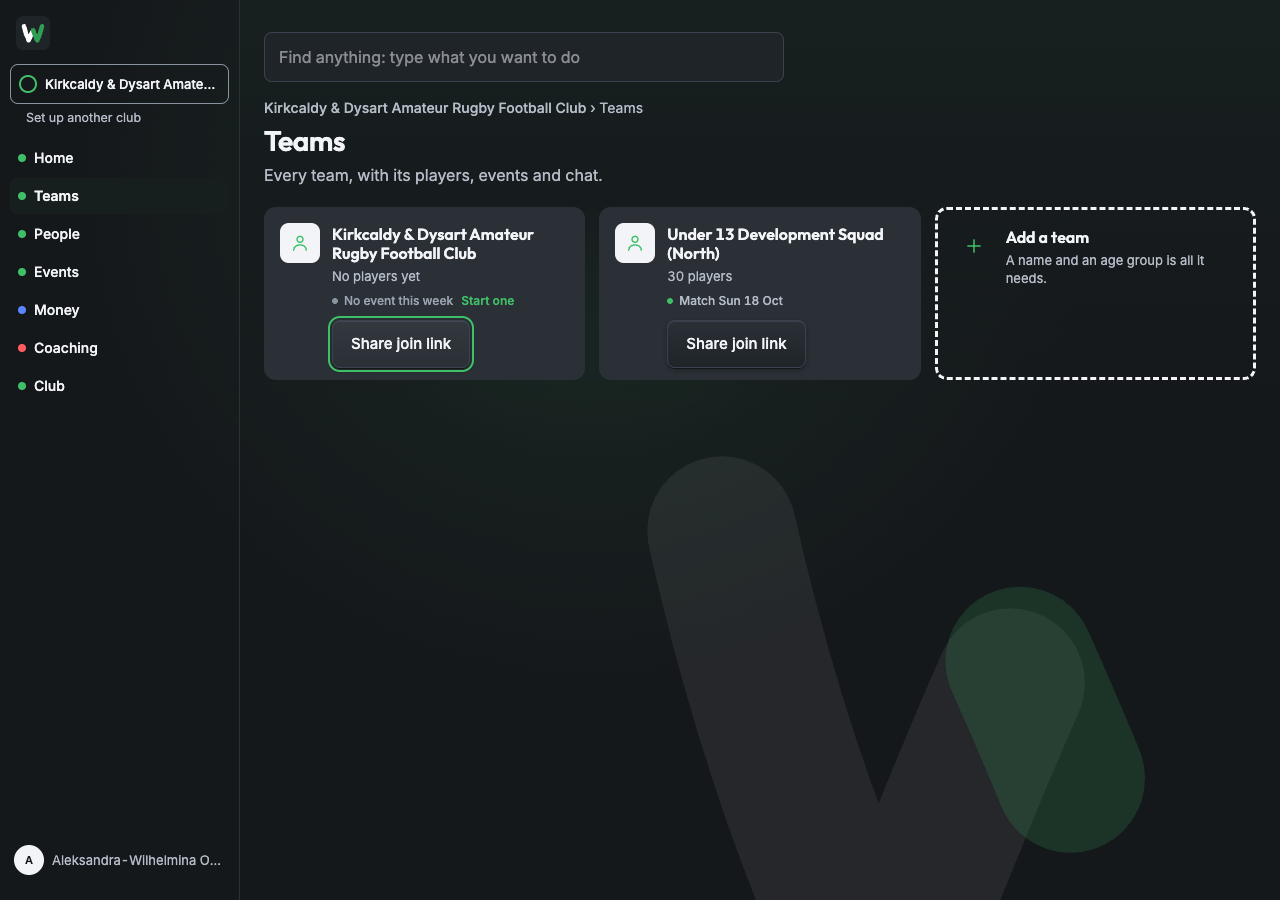
- Teams. Every team's card has a Share join link button at its foot. It opens the link without opening the team.
- The team's own page. Share join link is at the top right, beside the page's main button.
- Invites. Share a team's join link is beside Invite someone; choose the team in the sheet.
Add people still has it at the bottom, under No list to hand?, exactly as before.
Sending it
- Press Share join link.
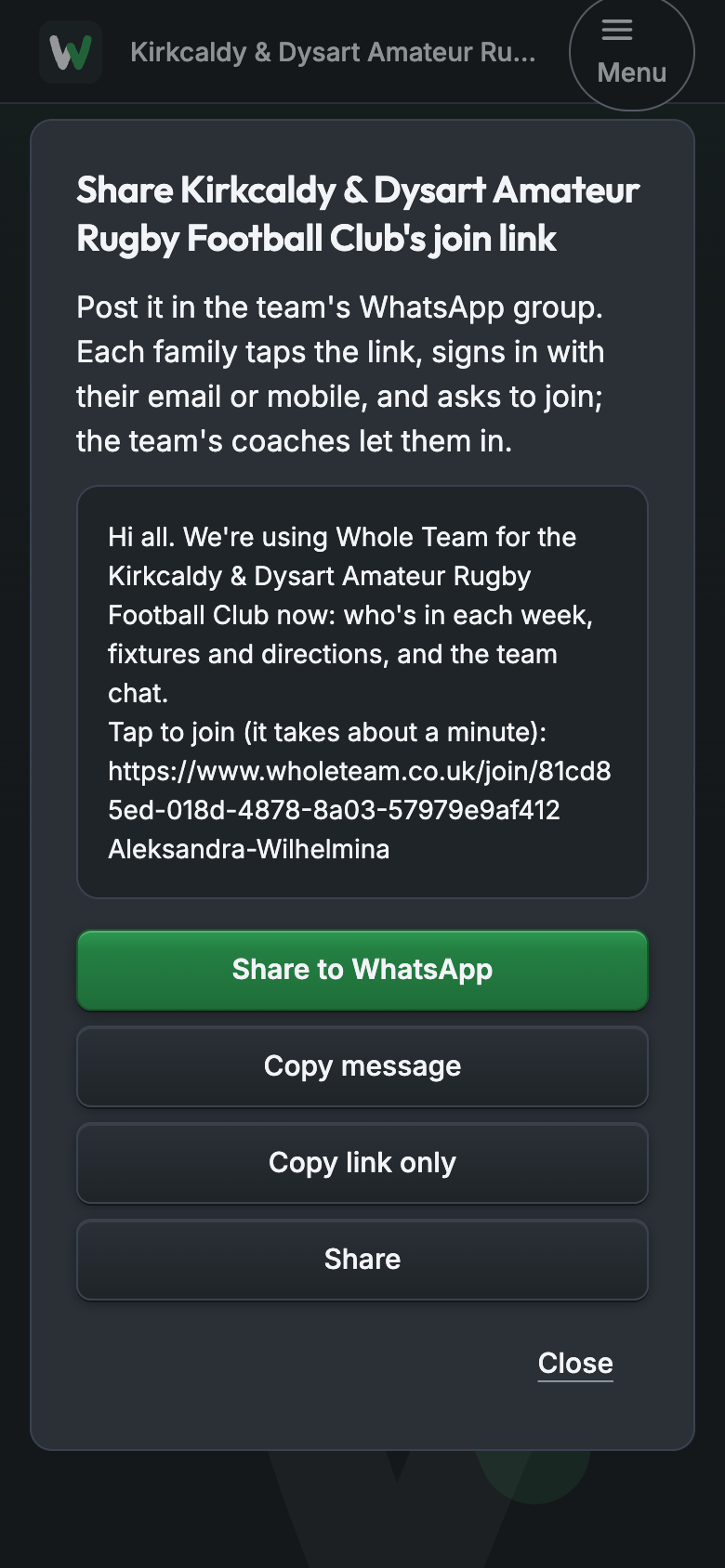
- The sheet shows the message, signed with your first name.
- Press Share to WhatsApp to post it from your own WhatsApp, or Copy message to paste it into a Facebook group, a text or an email. Copy link only copies the link on its own. On a phone, Share opens the phone's own share sheet.