Venues and pitches
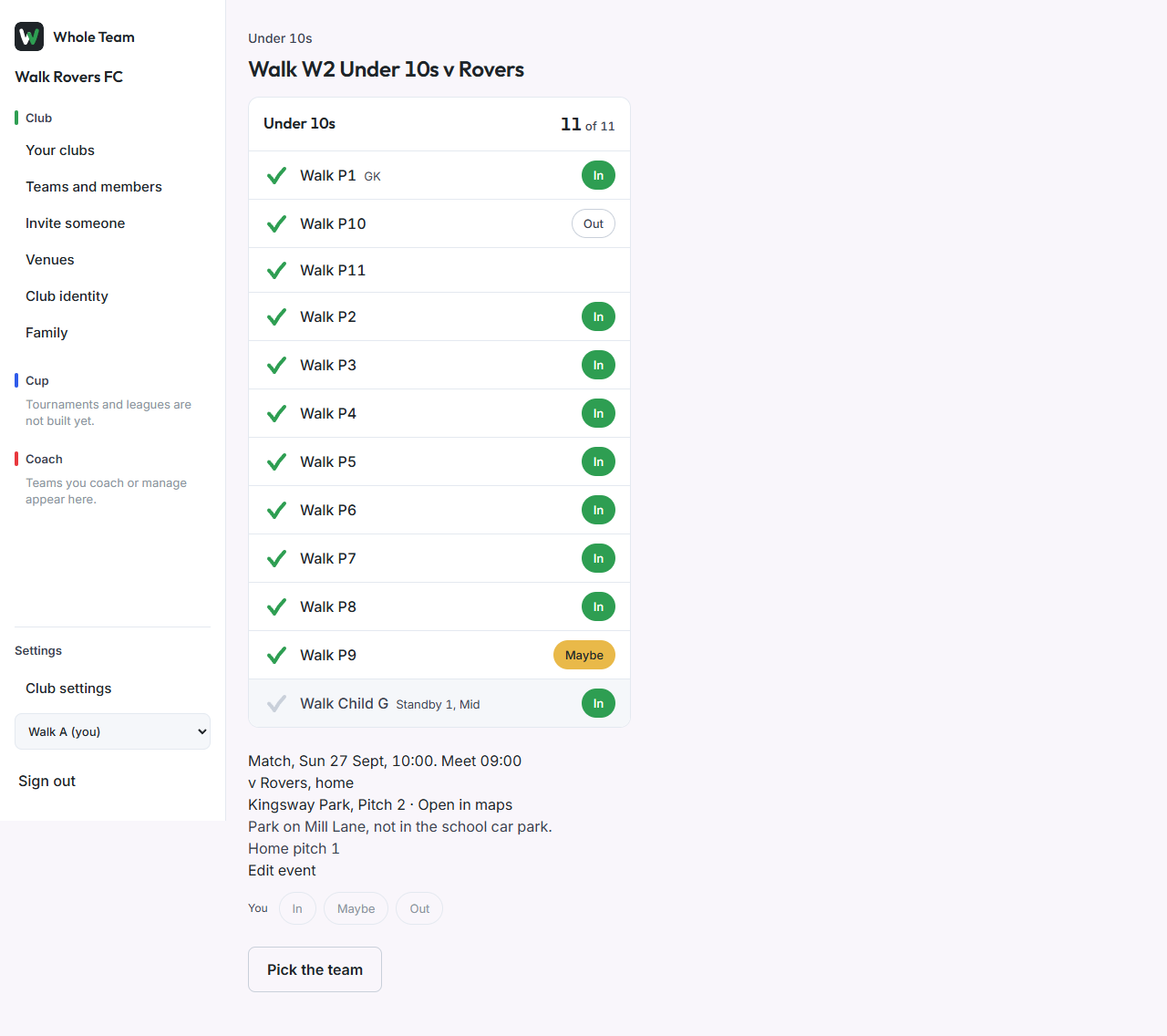
A venue is where the club plays or trains: a name, an address, its pitches and a note (parking, which gate). Every event can pick a venue and a pitch, and the event page then shows the note and an Open in maps link that opens the phone's own maps app.
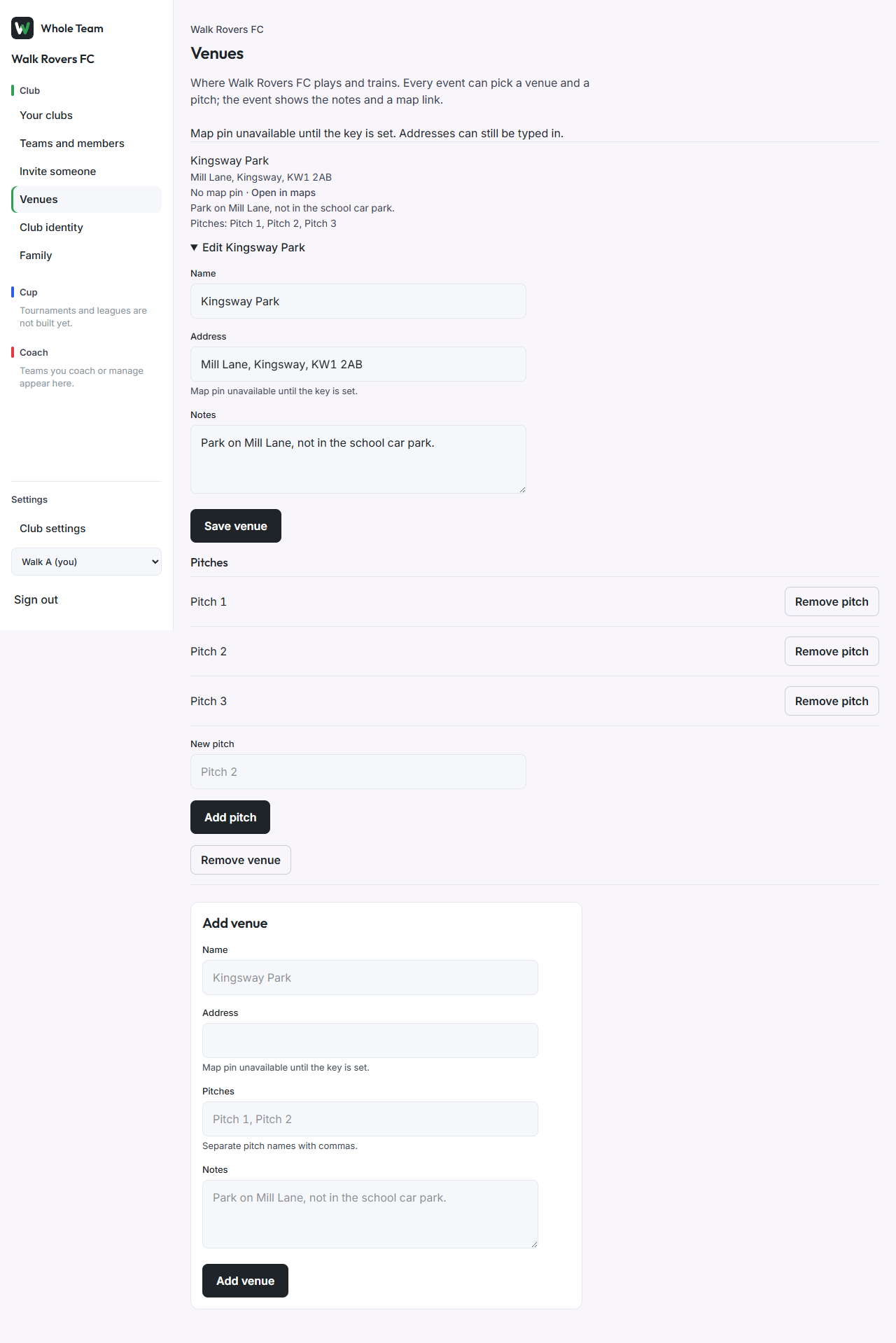
Add a venue
- In the menu, under Club, choose Venues.
- Under Add venue, enter the name and the address. When address search is switched on, choose a suggestion to set the map pin. Until then the page says "Map pin unavailable until the key is set" and the address is typed in full.
- List the pitches, separated by commas, and add any notes.
- Choose Add venue.
Change a venue
- Open Edit under the venue.
- Change the name, address or notes and choose Save venue.
- Add a pitch under New pitch, or Remove pitch to take one out of the pickers.
- Remove venue hides it from the pickers. Past events keep showing it.
Put an event at a venue
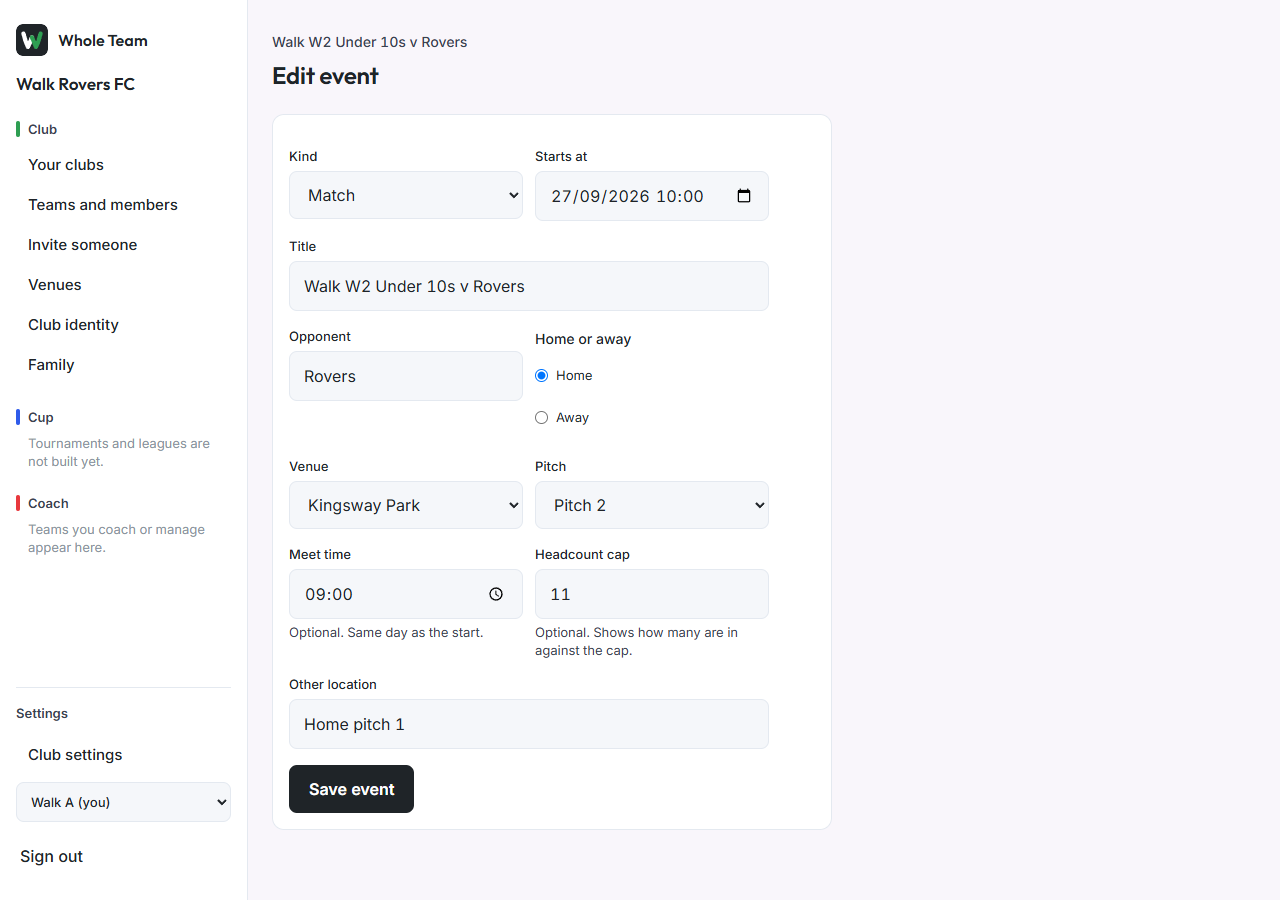
- On a team page, in New event (or Edit event on an event), choose the Venue, then the Pitch.
- For a match, type the Opponent. Clubs already on Whole Team are suggested as you type. Choose Home or Away.
- Add a Meet time if players should arrive before the start.
- Save. The event page shows the venue, pitch, meet time, opponent, the venue's note and Open in maps.