Setting up a club for the first time
Someone setting up a club goes through five short steps, and ends on their first team's page with everything they made already there. Steps 3 to 5 can be skipped and done later.
The five steps
- On Your clubs, choose Set up a club.
- Your club: the club's name and sport. You become its admin.
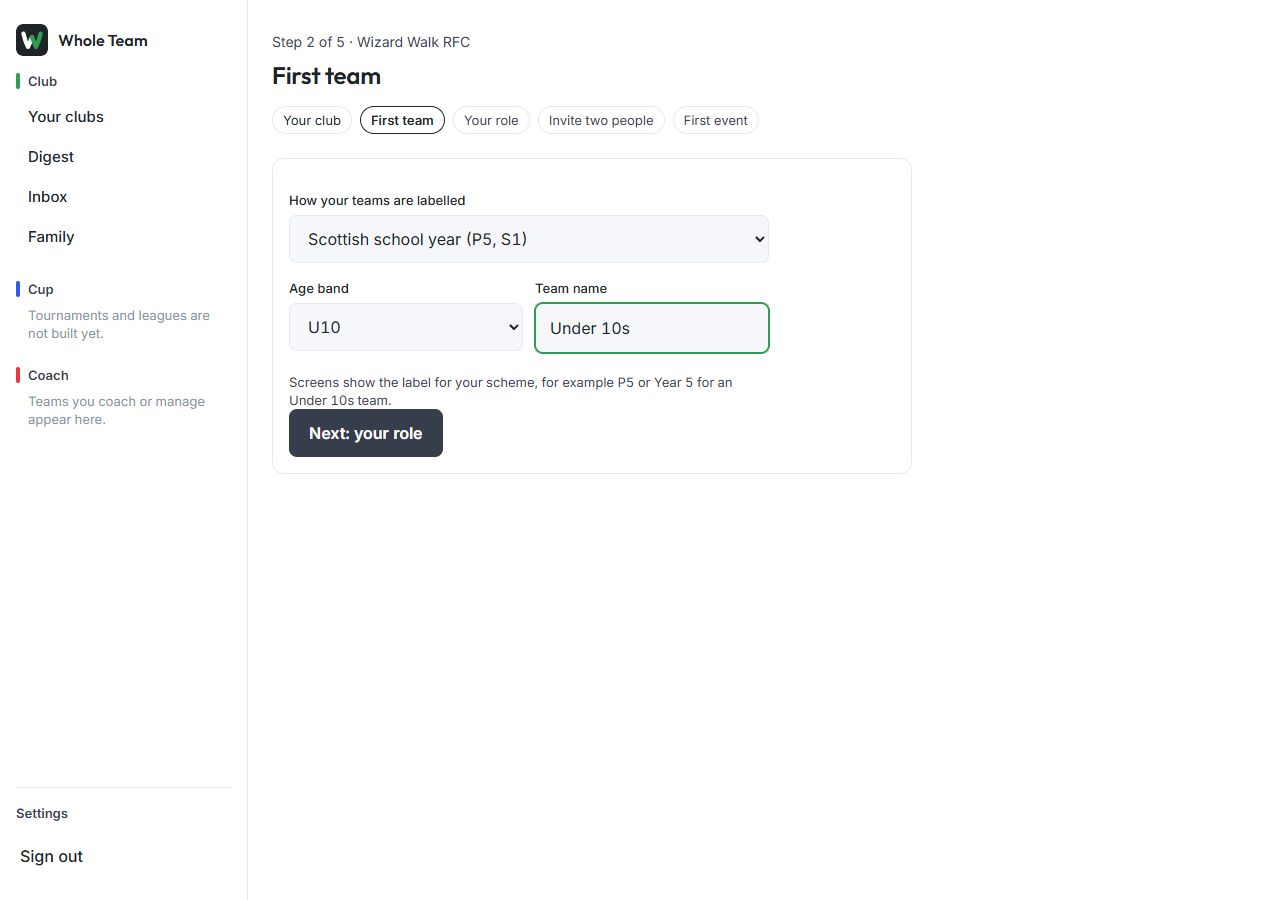
- First team: how your club labels teams (age group, or a school-year scheme), the team's age band and its name. Screens then show the label, for example P5.
- Your role: whether you coach the team, manage it, have a child in it, or run the club without being on the team.
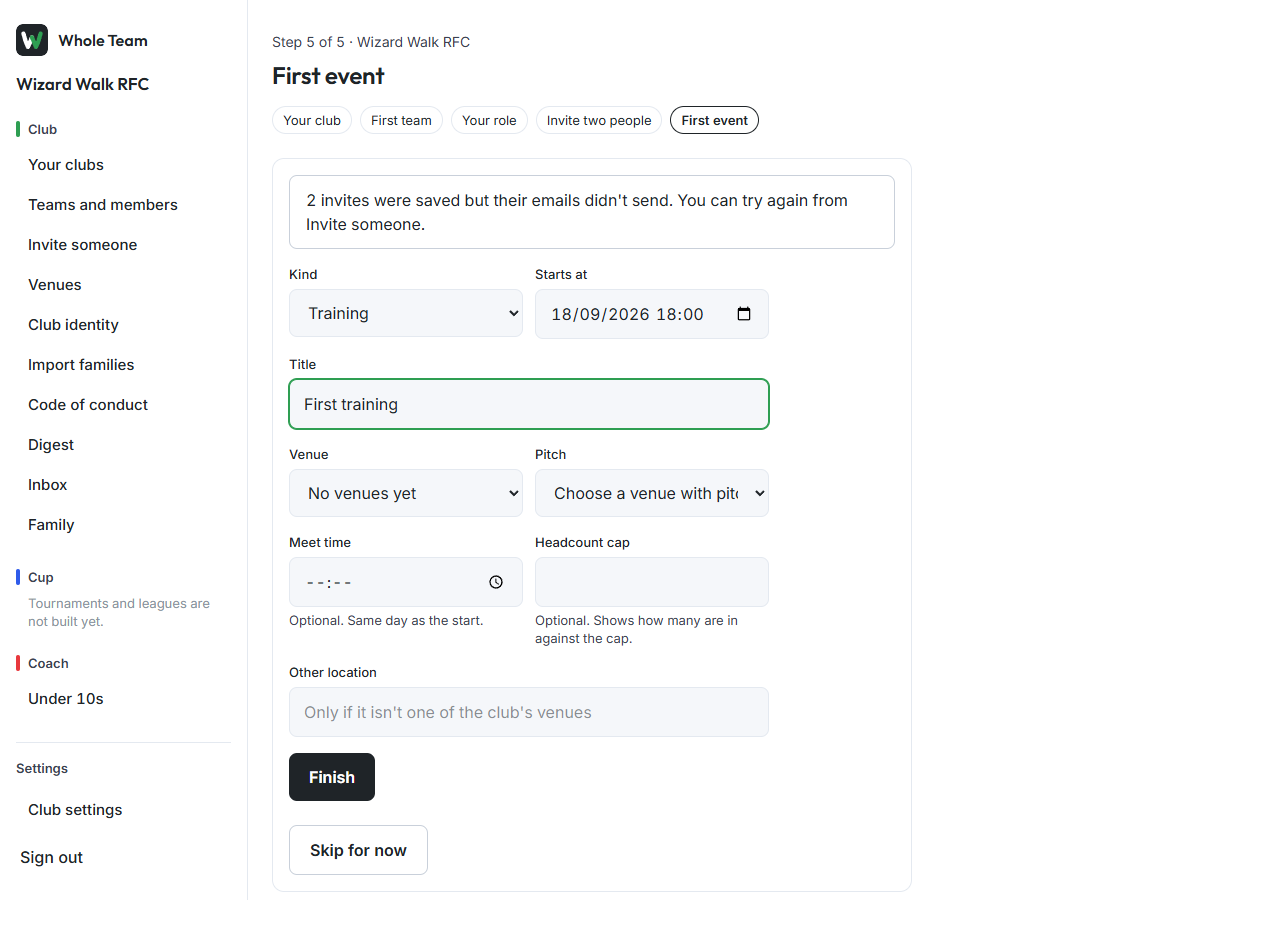
- Invite two people: two email addresses and their roles. Each gets an invite email from the club. If an email doesn't send, the next step says so and you can try again from Invite someone.
- First event: kind, time, title and, if you have one, a venue. Choose Finish.
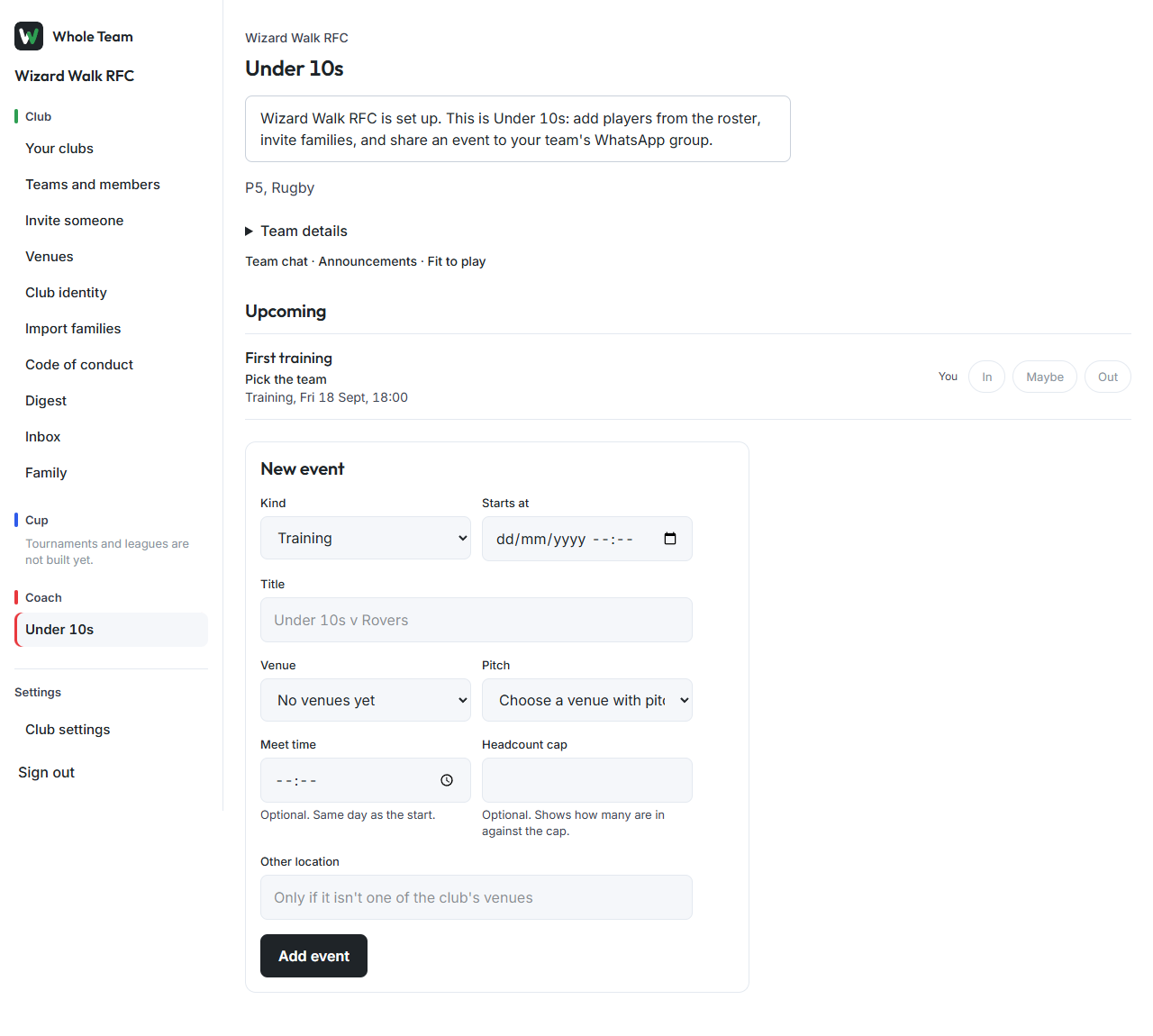
You land on the team page with a welcome line and your event listed.