Family safety: coach's note, photos, fit to play
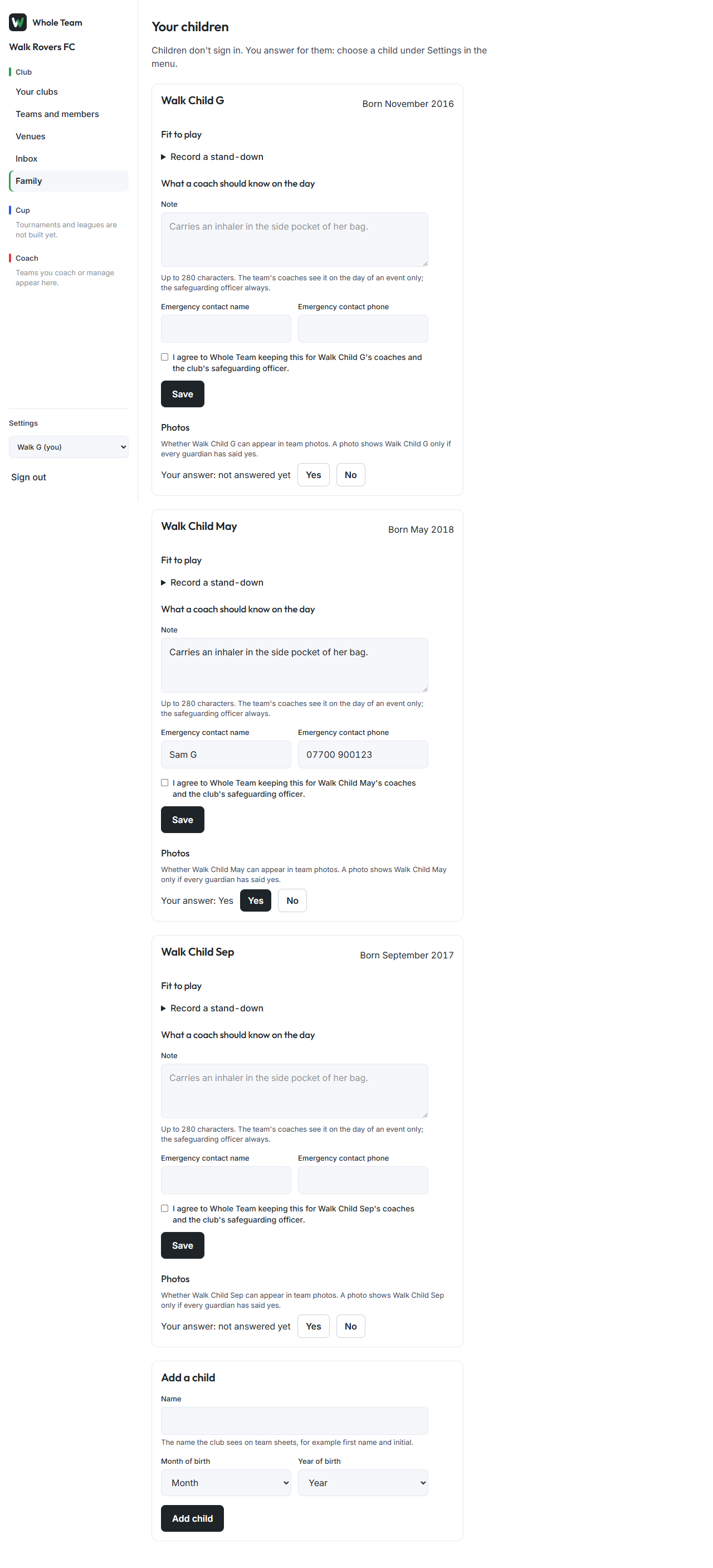
On Family, each child has three things a guardian looks after: a short note for the coach on the day, whether the child can appear in team photos, and whether they are fit to play. Coaches see the note only on the day of an event. Stand-downs stop a child being picked until the date.
Leave a note for the coach
- In the menu, choose Family.
- Under the child, fill in What a coach should know on the day (up to 280 characters) and an emergency contact name and phone number.
- Tick the line agreeing to share it, and choose Save. Without the tick, nothing is saved and what you typed stays.
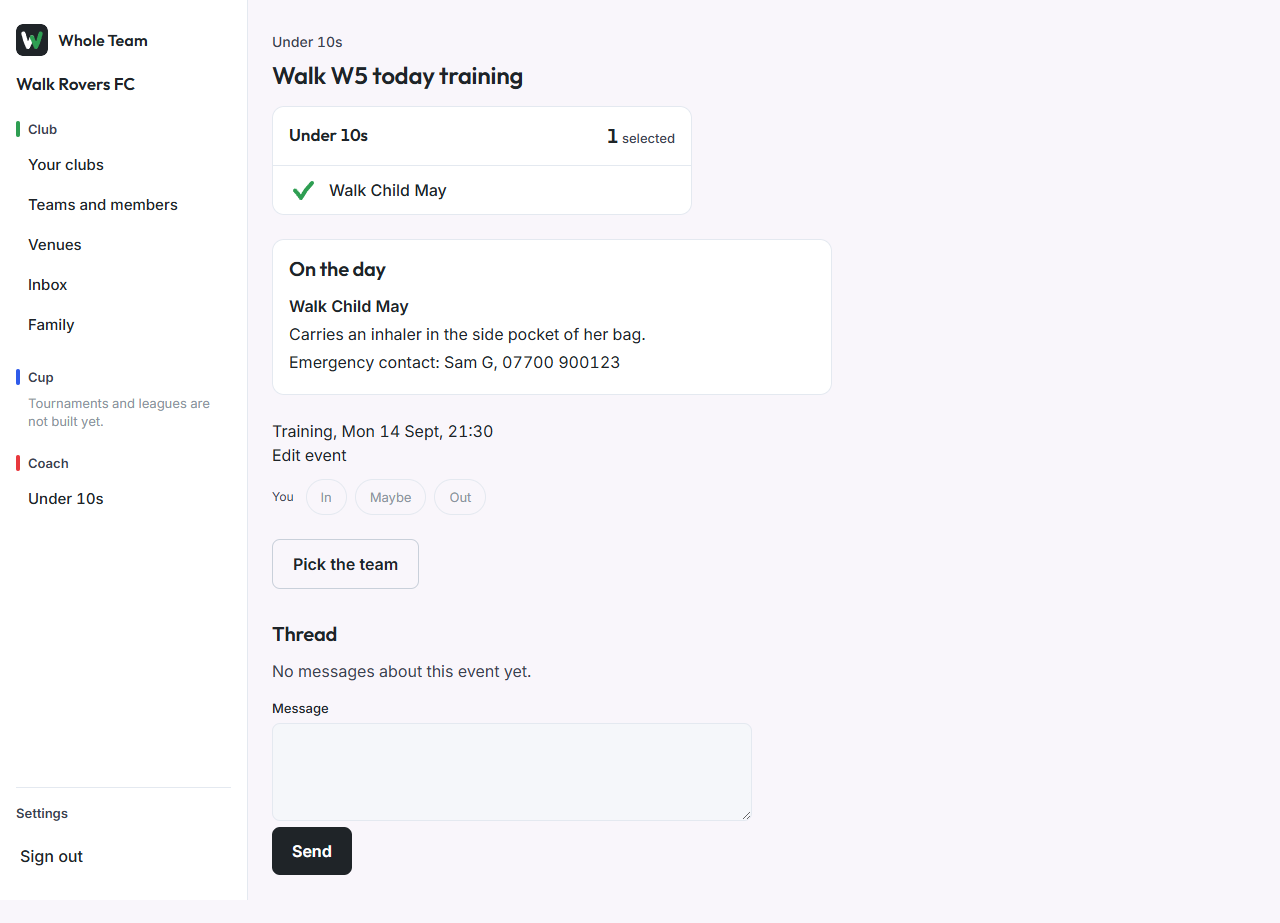
The team's coaches see the note on the event page on the day of an event only. The club's safeguarding officer can always see it.
Photos
Each child's card has a photos section: answer once, see the answer, and turn it on or off. A photo can show the child only if a guardian has said yes and no guardian has said no. See Photo consent for your child.
Player login from 13
For a child aged 13 or over, Player login lets you allow a login of their own. It is never suggested. Setting up the login itself is not available yet.
Fit to play (stand-downs)
A guardian:
- Under the child, open Record a stand-down, choose the reason (head knock, injury or other) and the date they can play again, and choose Save stand-down. It counts as confirmed.
- If a coach recorded one, it shows "A coach recorded this. Please confirm it." Choose Confirm.
A coach:
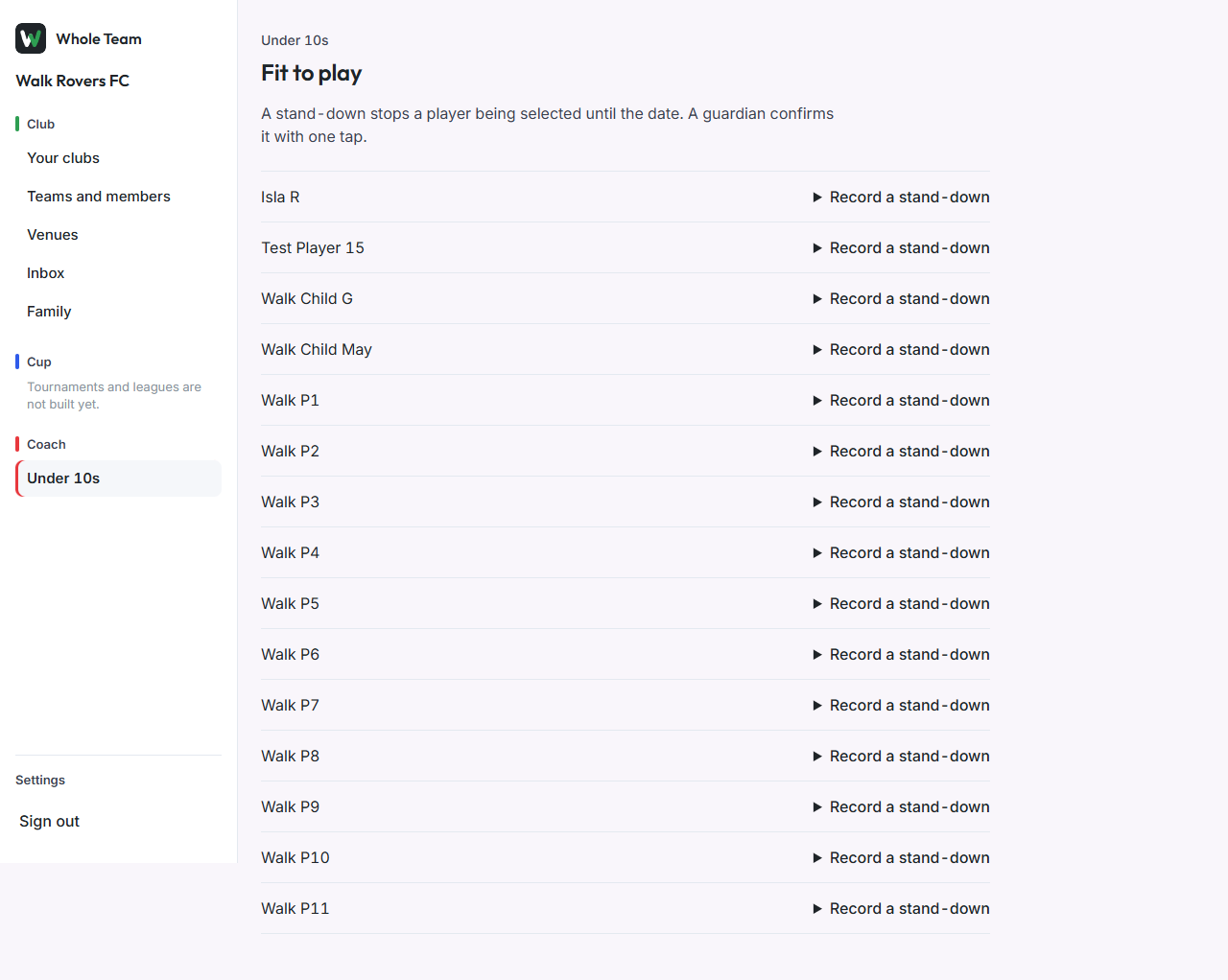
- Open the team, then Fit to play.
- Next to the player, open Record a stand-down, choose the reason and date, and save.
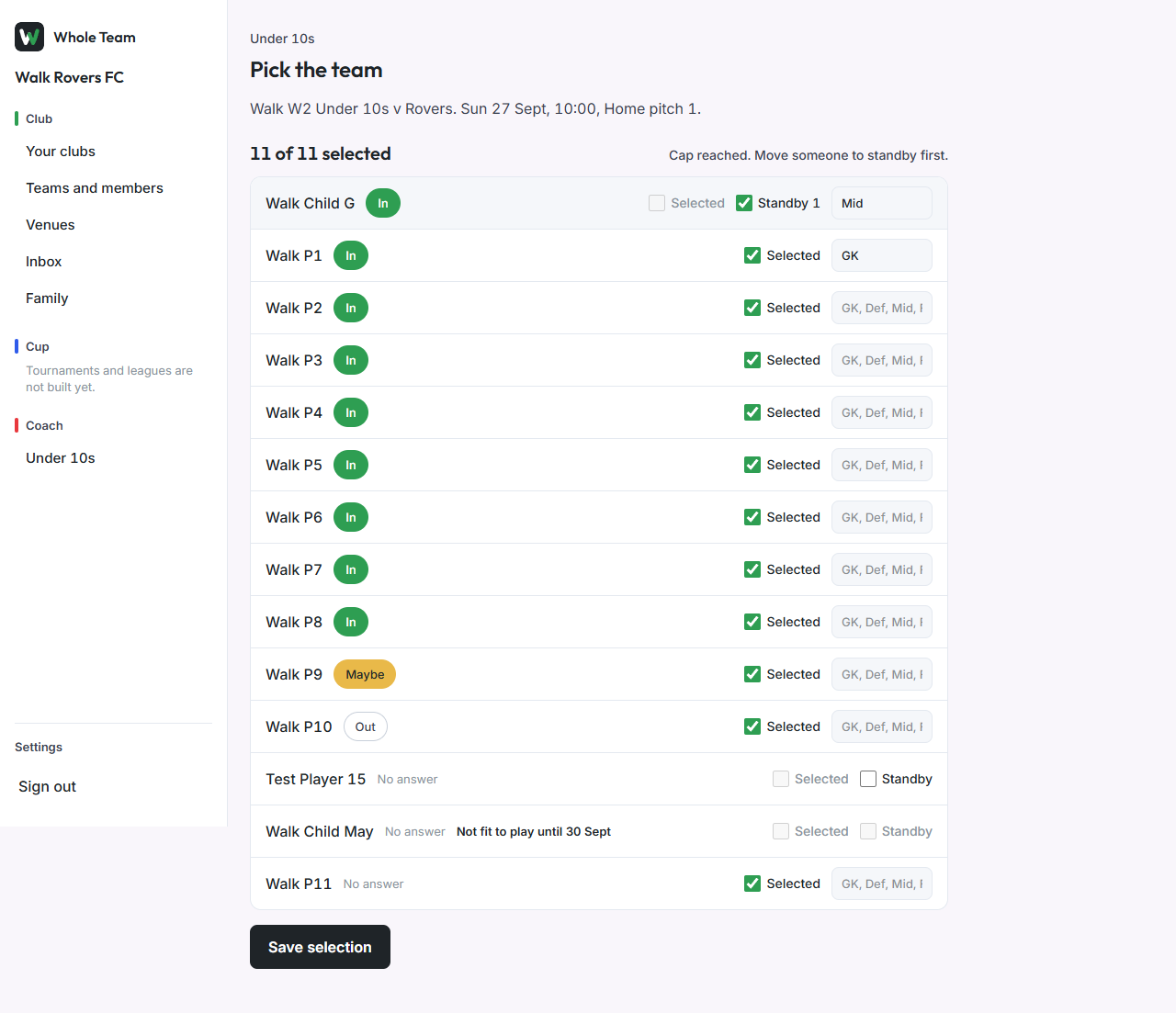
Until the date, the selection page shows "Not fit to play until" the date and won't let the player be selected or put on standby. End it now ends a stand-down early and keeps the record.