Tea hut: the menu, the till and tabs
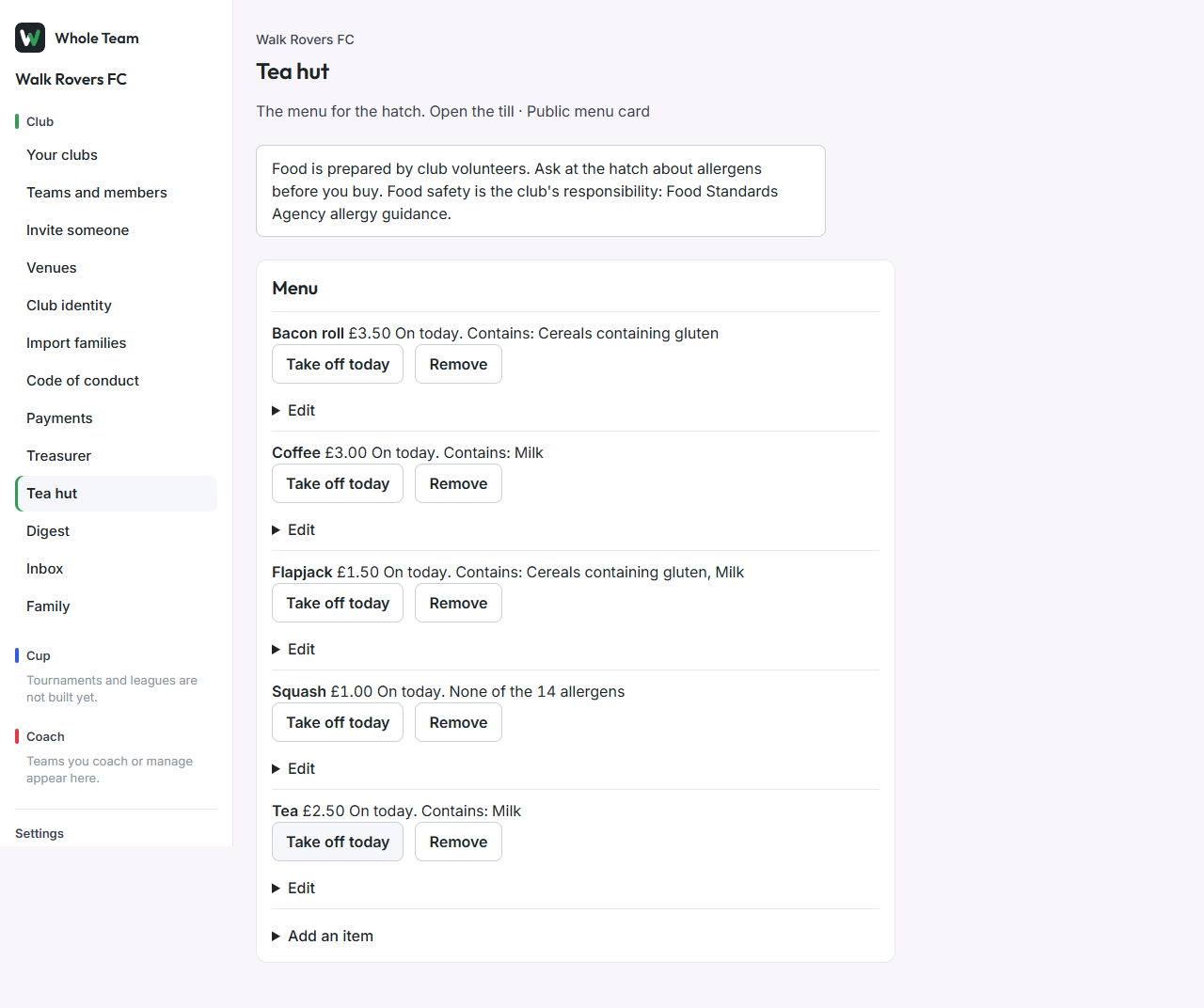
The tea hut team and club admins keep a menu with prices and allergens, sell from a phone, and let families run a tab that they pay once. In the menu, choose Tea hut.
Food safety is the club's responsibility. The menu screen and the public menu card carry a line pointing to the Food Standards Agency's allergy guidance.
The menu
- Choose Add an item.
- Enter the Name and Price.
- Tick every allergen it contains, then tick I have checked all 14 allergens for this item. If it contains none, tick only the last box.
- Add Made by if you want, for example who baked it.
- Tick On today's menu to sell it today.
- Choose Add item.
An item can't go on today's menu until its allergens are recorded. Take off today and Put on today switch it for the day; Remove takes it off the menu for good (past sales keep it).
The till
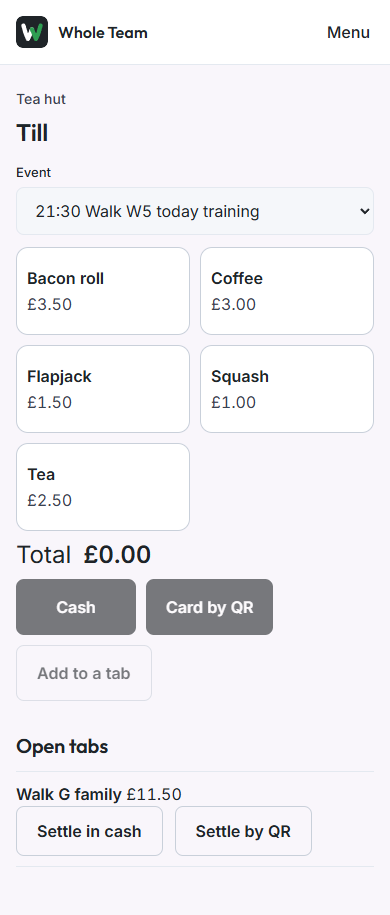
Open the till on a phone: Open the till at the top of the tea hut page.
- If there's an event today, choose it, so the sales are recorded against it.
- Tap an item for each one sold. The total updates as you go; Clear starts again.
- Take it one of three ways:
- Cash: the sale is recorded straight away.
- Card by QR: a QR code appears. The buyer scans it with their own phone and pays by card. The sale is recorded once Stripe confirms it.
- Add to a tab: choose an open tab, or New tab with a name such as the family's surname. Link the family who pays if you want them to see it in the app.
The club pays the card fee on tea hut sales, and there's no Whole Team charge on anything under £5. The till shows tab names only, never a child's name.
Tabs
A tab collects everything a family buys over a match day and is paid as one payment, so five teas are one charge.
- At the till, Open tabs lists each tab and its total. Choose Settle in cash or Settle by QR.
- A family linked to a tab sees it on their Family page, line by line, and can pay it there in one go.
The public menu card
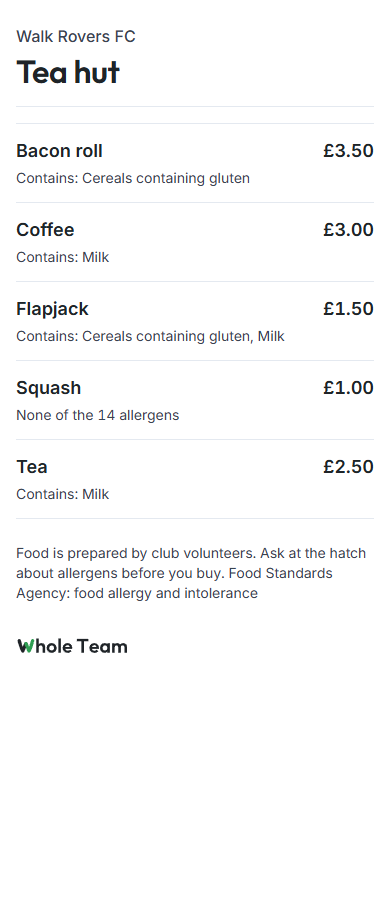
Every club has a menu card anyone can open without signing in, at /m/ followed by the club's name, for example www.wholeteam.co.uk/m/walk-rovers-fc. It shows today's items, prices and allergens. Put the link or a QR code on the hatch.
Good to know
- Card payments need the club's Stripe account to be set up (see Payments). Until then take cash.
- The screenshots were taken on a test club.