

Safeguarding officer
Getting started as safeguarding officer
The coach register up to date, what each role can see, stand-downs, the photo rule and reports from families. About half an hour, then a look each month.
What you'll have at the end
- Every coach and manager's check recorded, and re-checks seen before they're due.
- Who sees what about a child, by role, written down for the committee.
- Reports about photos and messages coming to you, and no one else.
The steps
5 steps, about 30 minutes of your time.
1The register
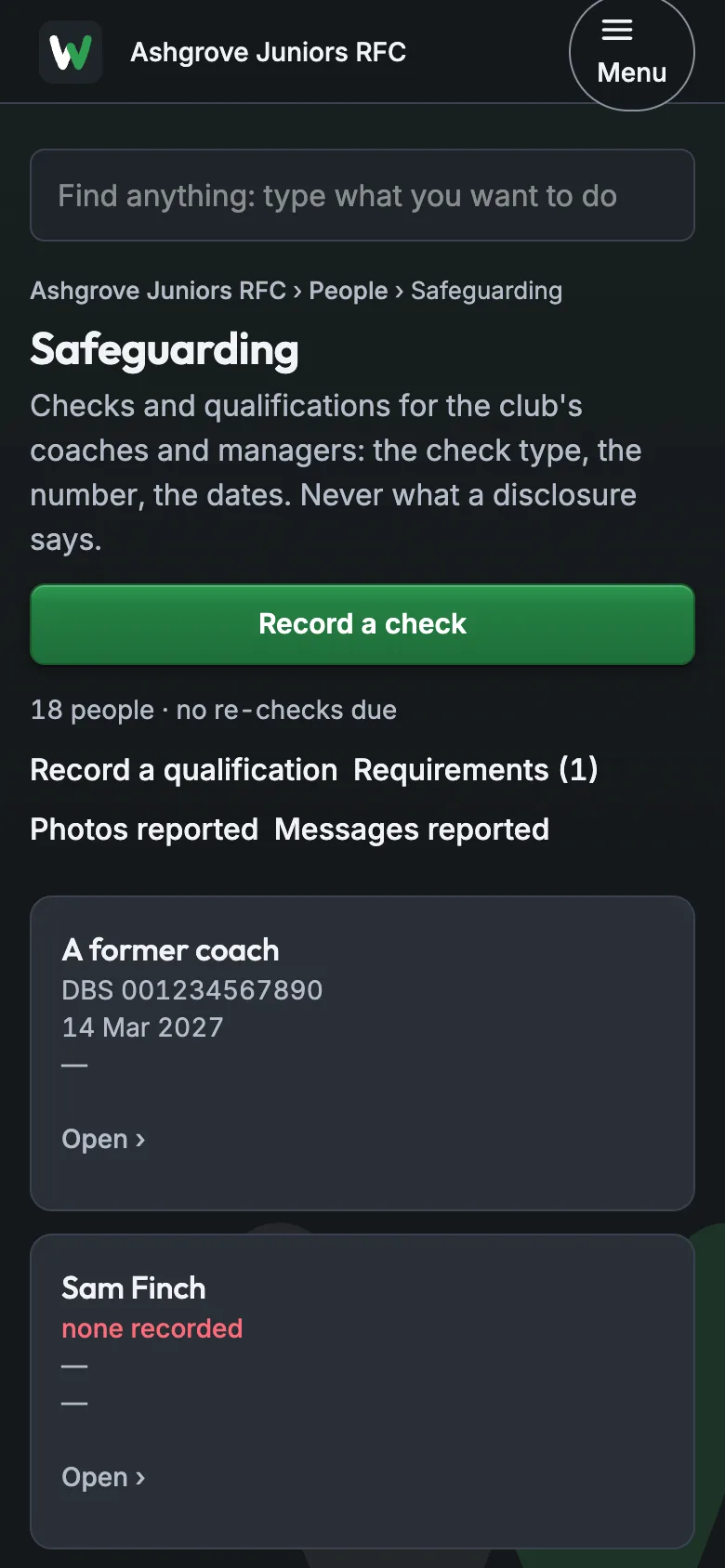
People › Safeguarding lists every coach and manager with their check: the type, the number and the dates, never what a disclosure says. None recorded shows in red.
About 10 minutes
2Record a check
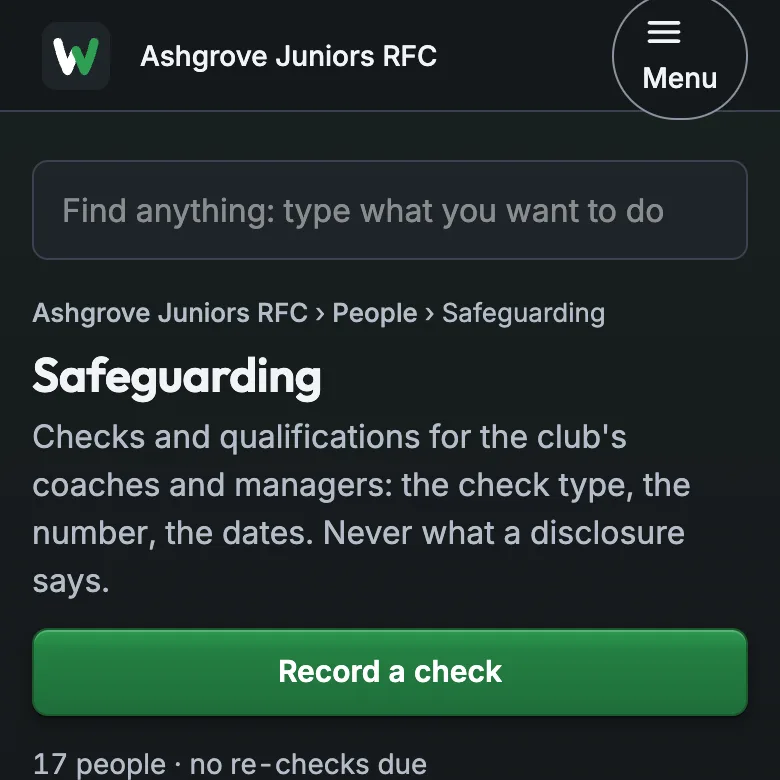
Record a check: the person, the type, the reference and the re-check date. The register marks re-checks due within 60 days, and any that have expired.
About 10 minutes
3Who sees what
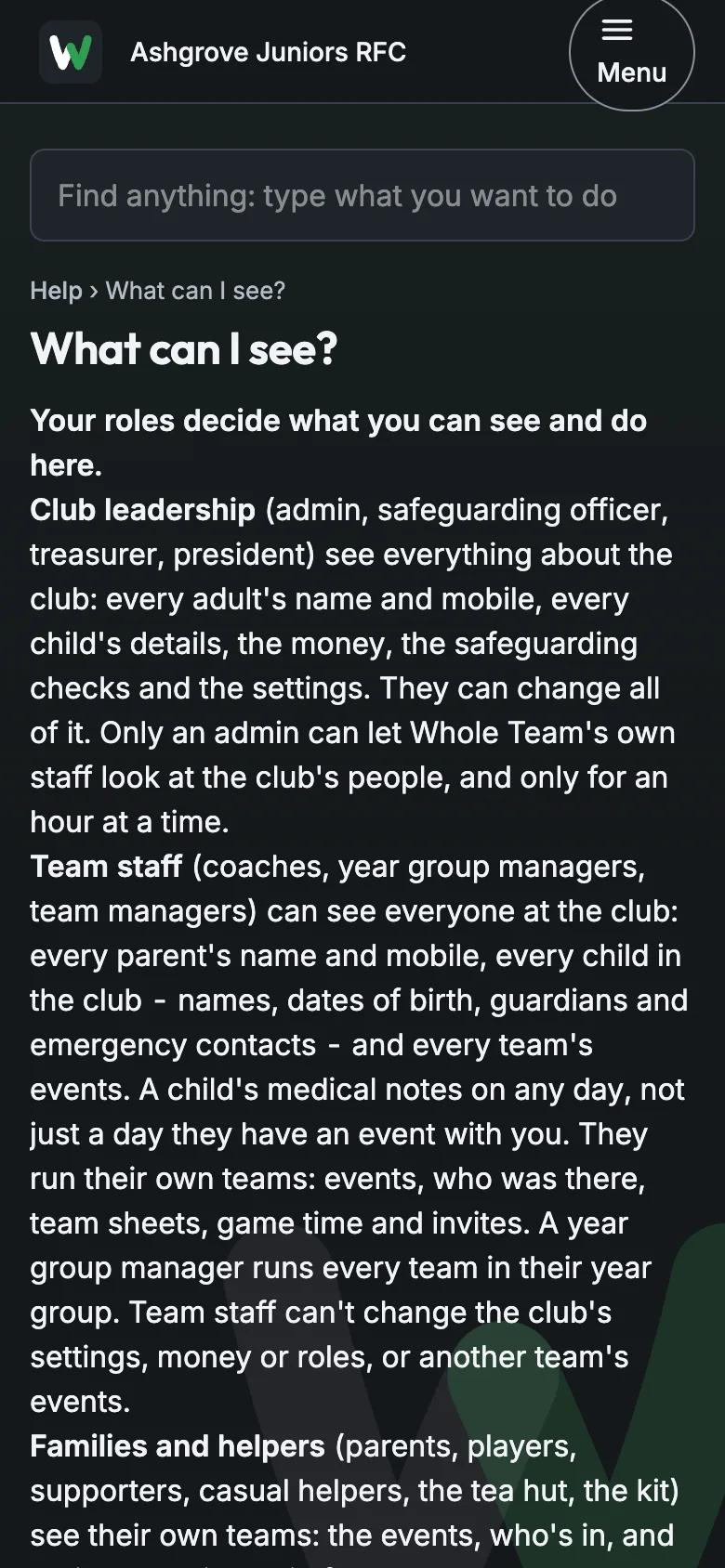
Help › What can I see? sets out, by role, what each person at the club can see about a child. Share it with your committee.
About 5 minutes
4Stand-downs
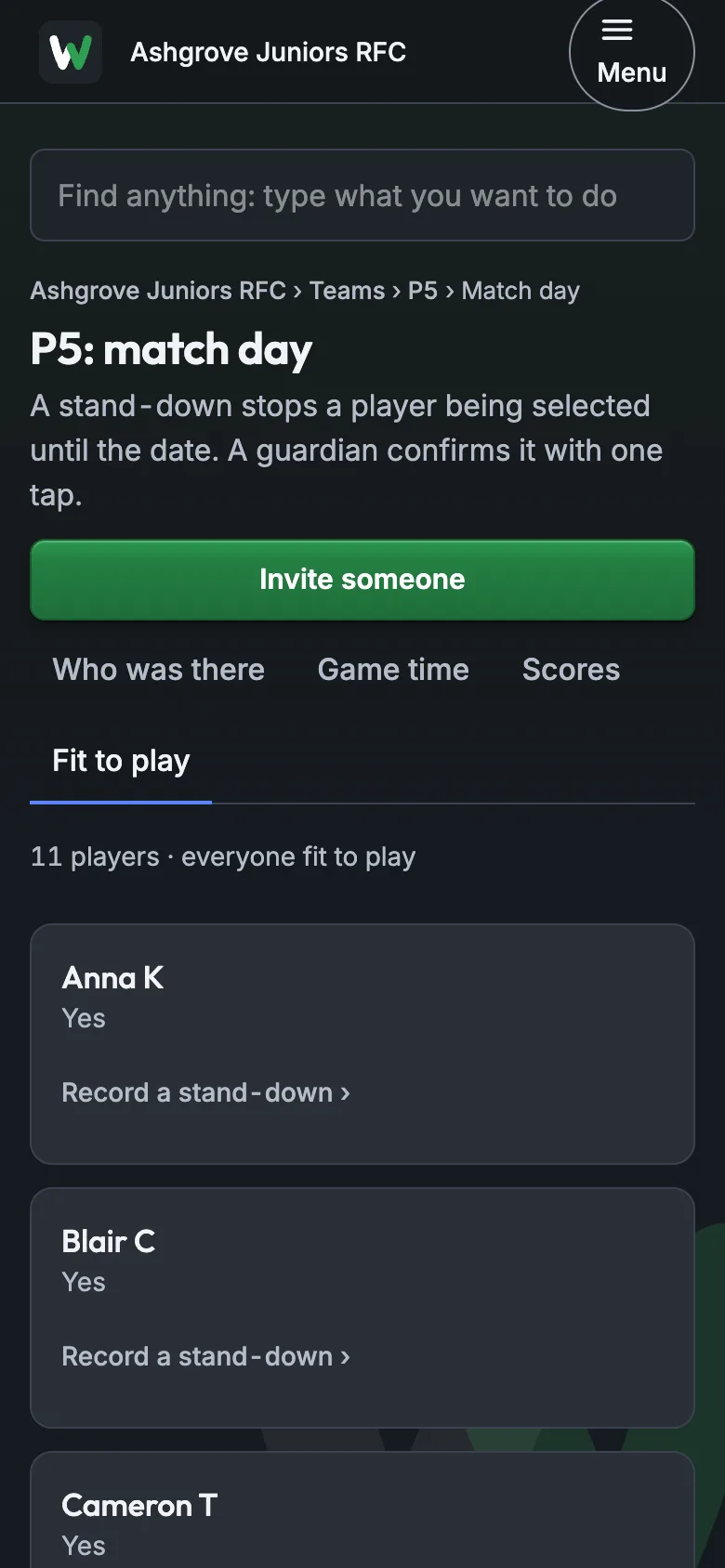
A stand-down keeps a child out of selection until a date. A coach or parent records it; the parent confirms it.
About 2 minutes
5Photos and the face rule
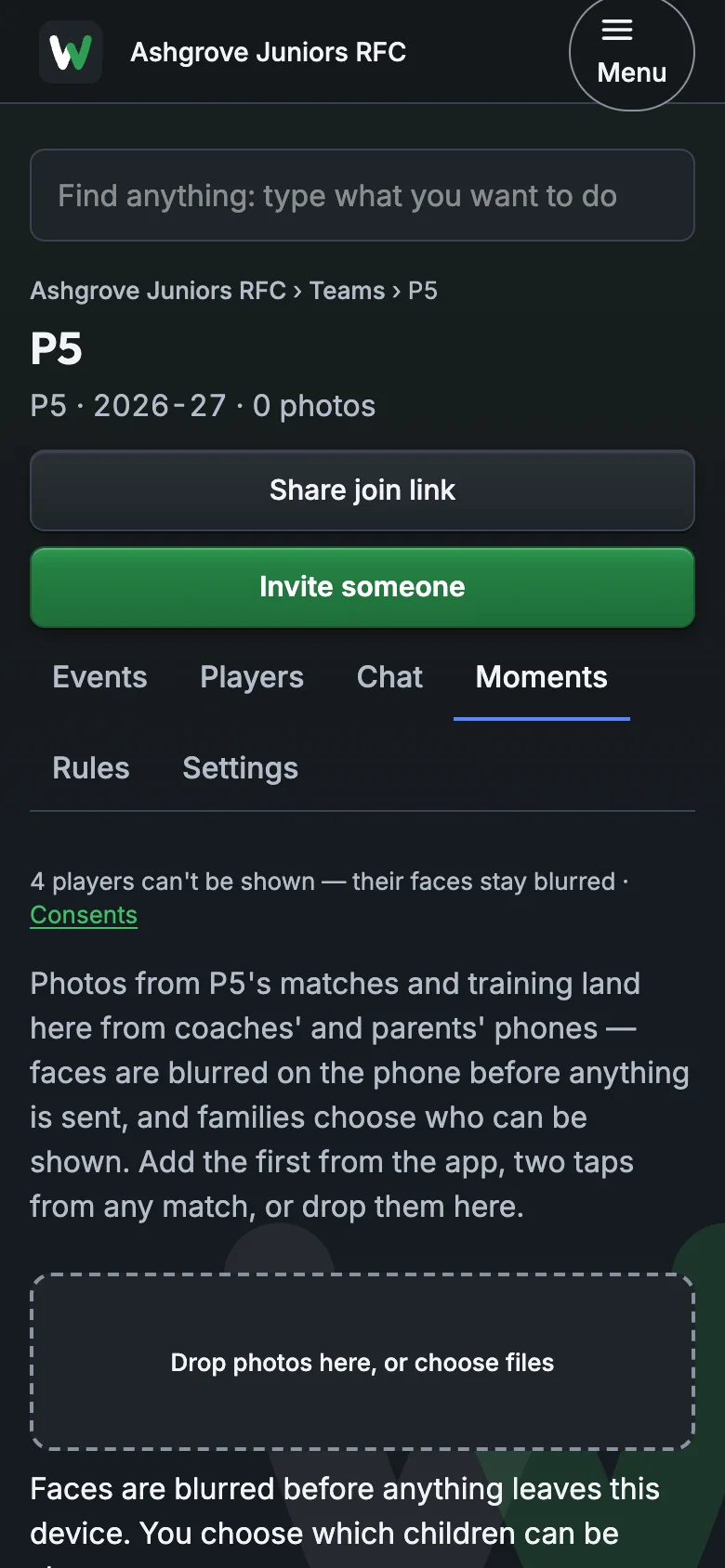
A child's face is blurred in team photos unless their family said yes, and never shown on the club's public website. Photos and messages that families report come to you.
About 3 minutes
Guides for the day
What to tell the others
For the committee and the coaches.
Please send me your check's reference and date: I'm keeping the club's register in Whole Team, and it reminds us before re-checks are due.
If a family reports a photo or a message in the app, it comes to me. Nothing about a disclosure goes in the app.
If it goes wrong
"A coach's check has expired."
The register shows it in red, with the date.
Ask them for the new reference and Record a check. Until then, follow your club's own safeguarding policy.
"A parent wants a photo taken down."
They can report it from the app; it comes to you under Photos reported.
Hide it from the team's Moments, then answer the family.
"Who can see my child's medical notes?"
Team staff see a child's notes; families see only their own children.
Send them Help › What can I see? for their club.
Still stuck? Talk to us: a person answers.
You're set up when
- Checks are recorded on the register
- No one shows None recorded
- Your committee has seen What can I see?