

A child at two clubs
Your child plays rugby at one club and football at another, or for a club and a school. You don't need a second account, and you don't add your child twice. One account and one child, at as many clubs as they play for.
When the second club invites you
The second club sends you a link, the same as the first one did.
- Open it on the phone you already use for Whole Team. You're already signed in, so it says so: choose Join, with the club's name on the button.
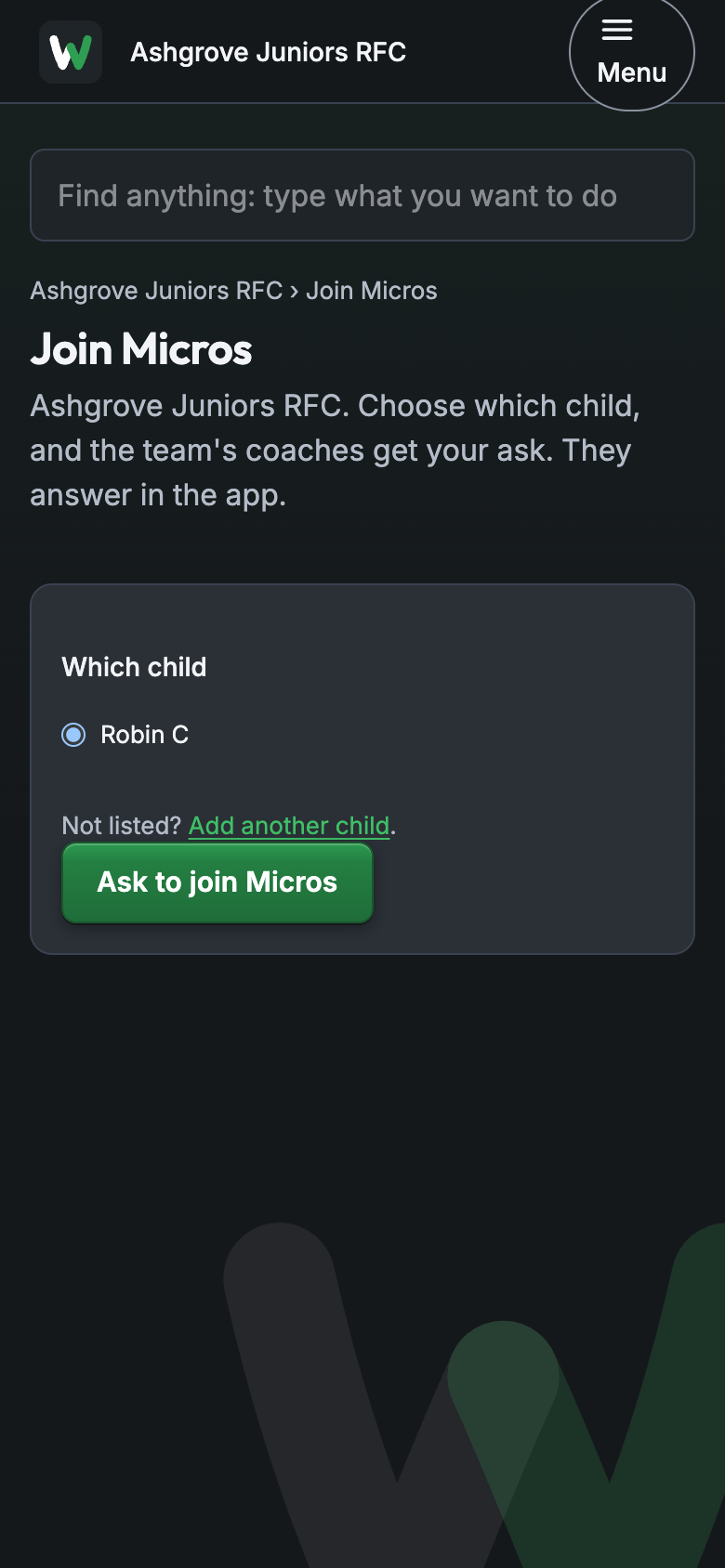
- If the link is a team's join link, it shows your children under Which child. Choose the one who's joining, then Ask to join. The team's coach approves it, and the new team appears beside the old one.
- Don't choose Add another child for a child you already have. That's for a brother or sister who's new to Whole Team.
If you start adding them anyway, the app spots it: "Isla R is already your child at Ashgrove Juniors RFC. Add Isla to this club too?" Choose Yes, and it's the same child at both clubs.
If you do end up with your child listed twice, email hello@wholeteam.co.uk and we'll put them back together.
What both clubs see
Some things belong to your child, not to a club, so you only tell us once:
- Their name and birth month.
- Their medical note and emergency contact. The coaches and the safeguarding officer at each club your child plays for can see these, so the right people know wherever they are.
- Your answer about photos. Whether your child can be shown in team photos is your answer, and it's the same at both clubs. Change it once and it changes for both.
What stays with each club
Everything else is the club's own: its teams, chats, events, payments and tea hut tab. Nobody at the rugby club sees the football club's chat, and neither club's export has anything from the other. Other parents still see only your child's first name and initial.
Your week, with both clubs in it
Home and Events show both clubs' events together, each with its club's crest and name, so a Saturday with a match at each is in one list. You answer In, Maybe or Out for each one as usual.
Leaving one club
When your child stops at one club, tell that club's admin. They take you off at their end, and your account and the other club stay exactly as they were. A coach can also take your child off just one team.
See also adding a child and joining by invite.