

Treasurer
Getting started as treasurer
Payments reaching the club's bank, subs set up, who owes in one list, and the books ready for the accounts. About an hour to set up, then minutes a week.
What you'll have at the end
- Subs, tours and the tea hut paid straight into the club's own bank account.
- One list of who owes, most late first, with a reminder a tap away.
- The term's payments ready to export for the club's accounts, with our fee on its own line.
The steps
6 steps, about 45 minutes of your time.
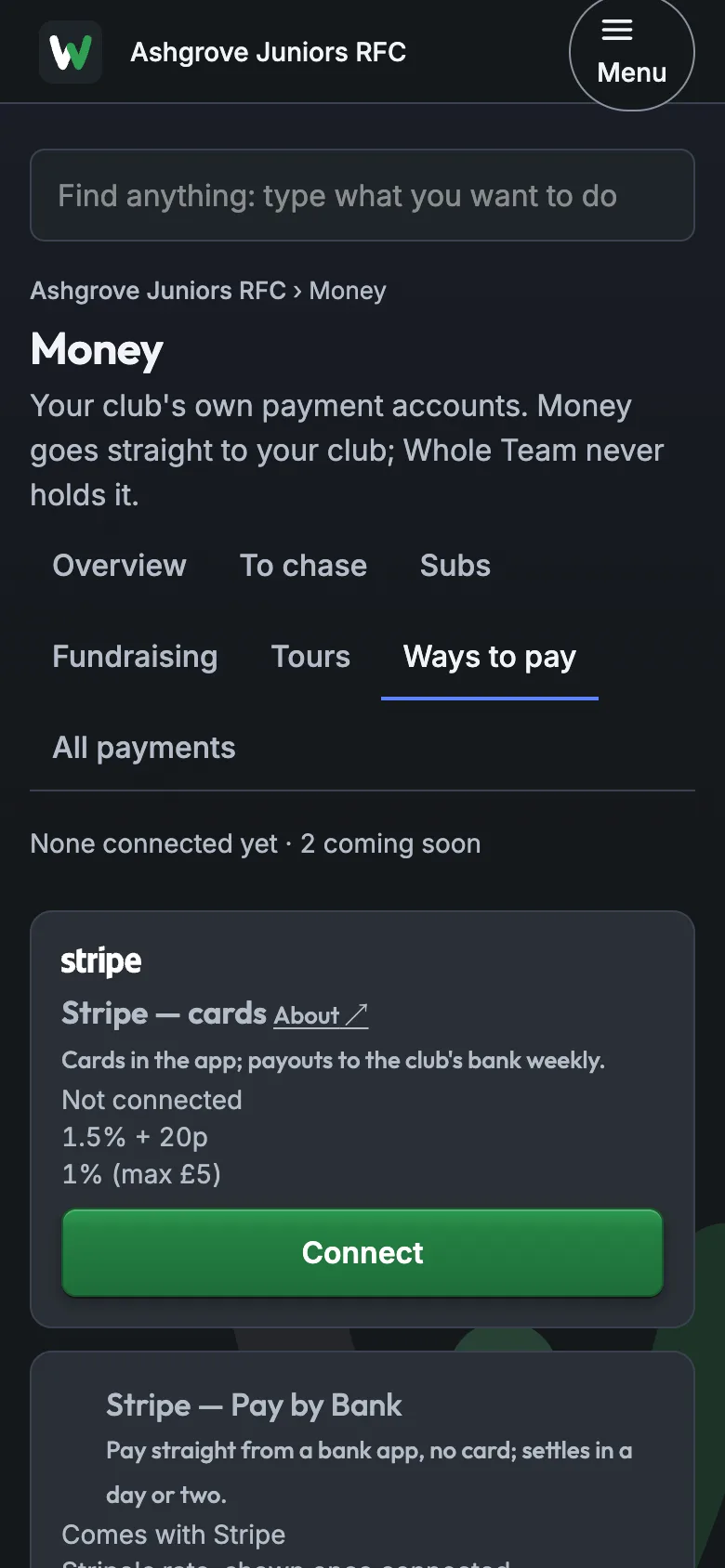
1A way to pay
Money › Ways to pay. If nobody has yet, connect the club's account: Stripe asks for the club's bank details and who runs it. Money then goes straight to the club.
About 10 minutes
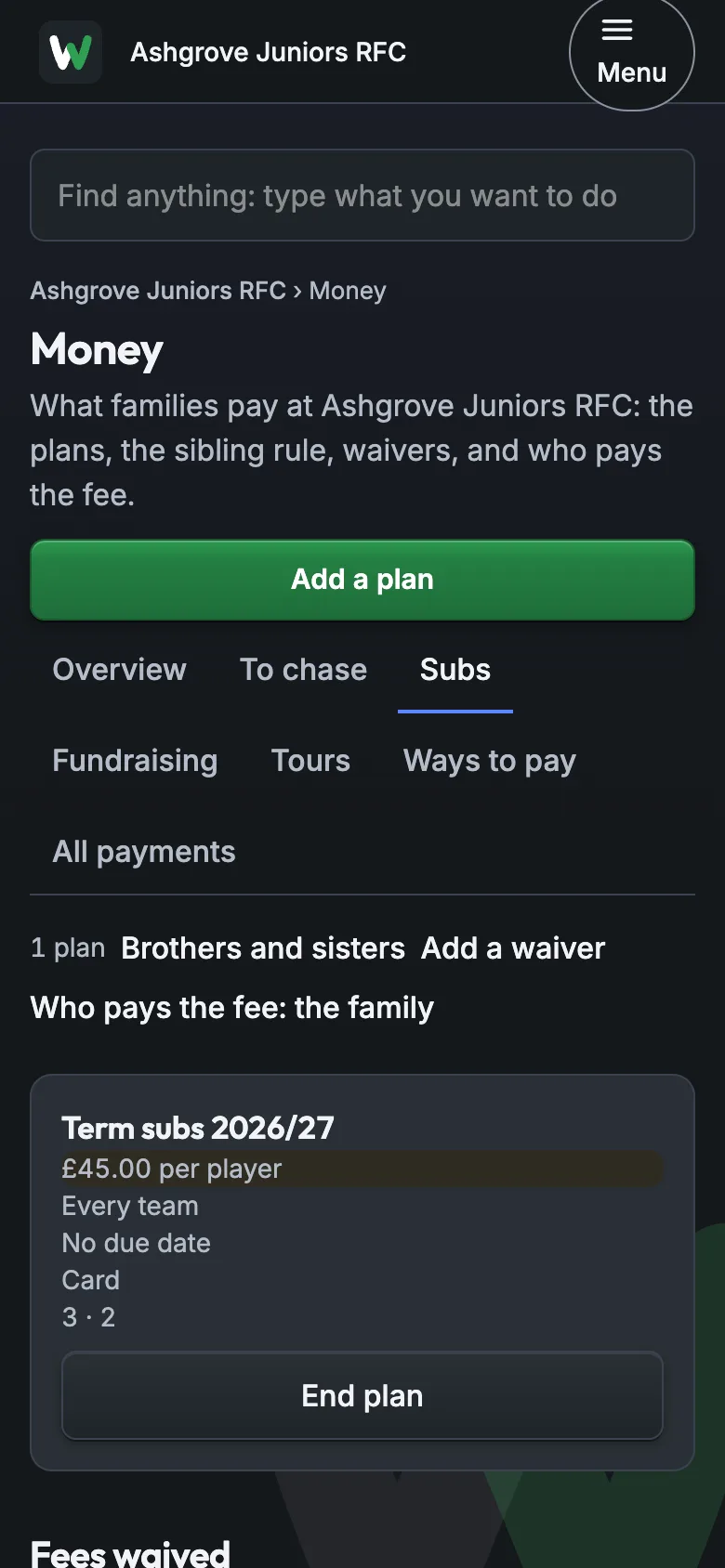
2Your subs plans
Money › Subs › Add a plan: how much, for which teams, and when. Set the brothers-and-sisters rule, any waivers, and whether the family or the club pays the card fee.
About 15 minutes
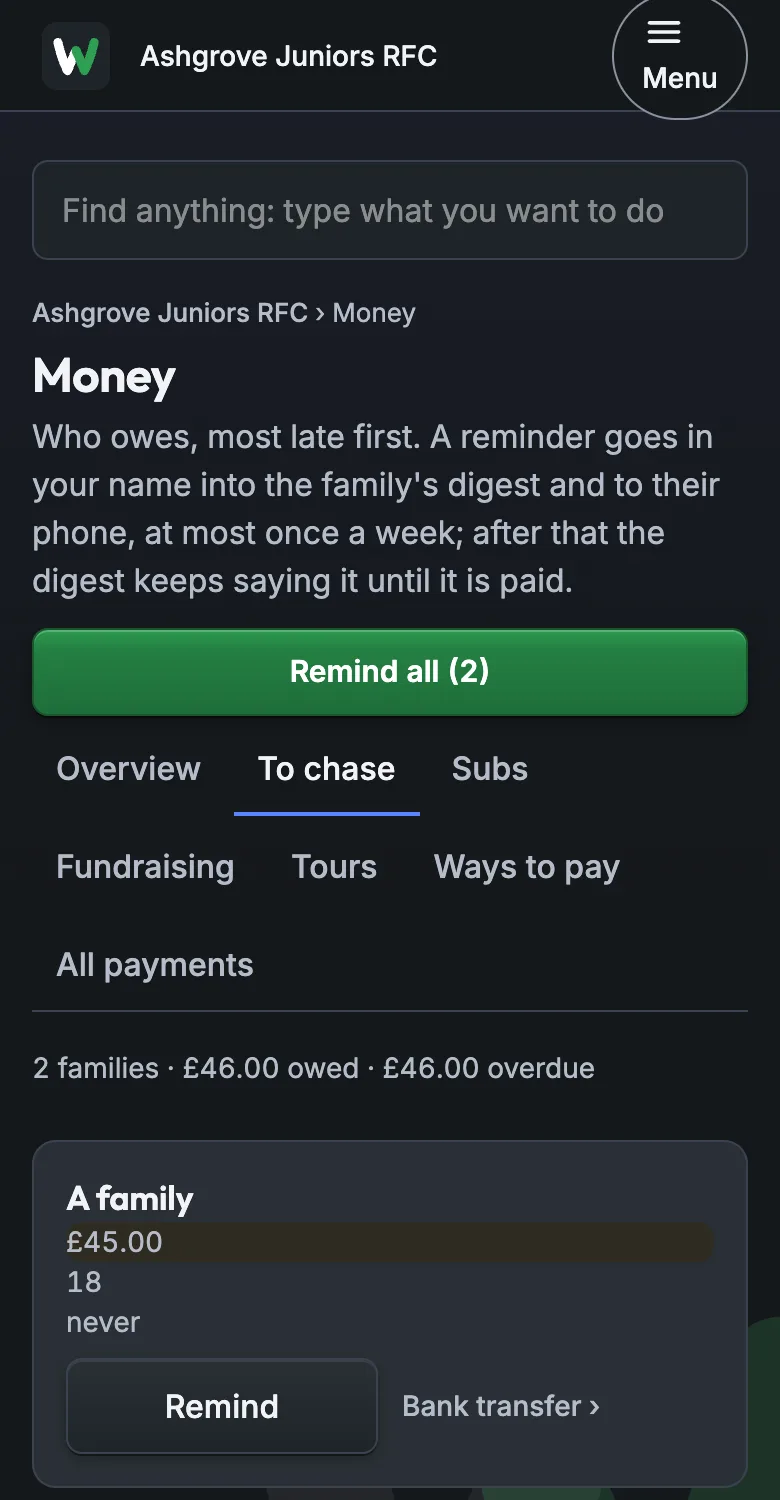
3Who owes
Money › To chase lists who owes, most late first. Remind sends one reminder in your name, at most once a week; Remind all does everyone overdue.
About 5 minutes
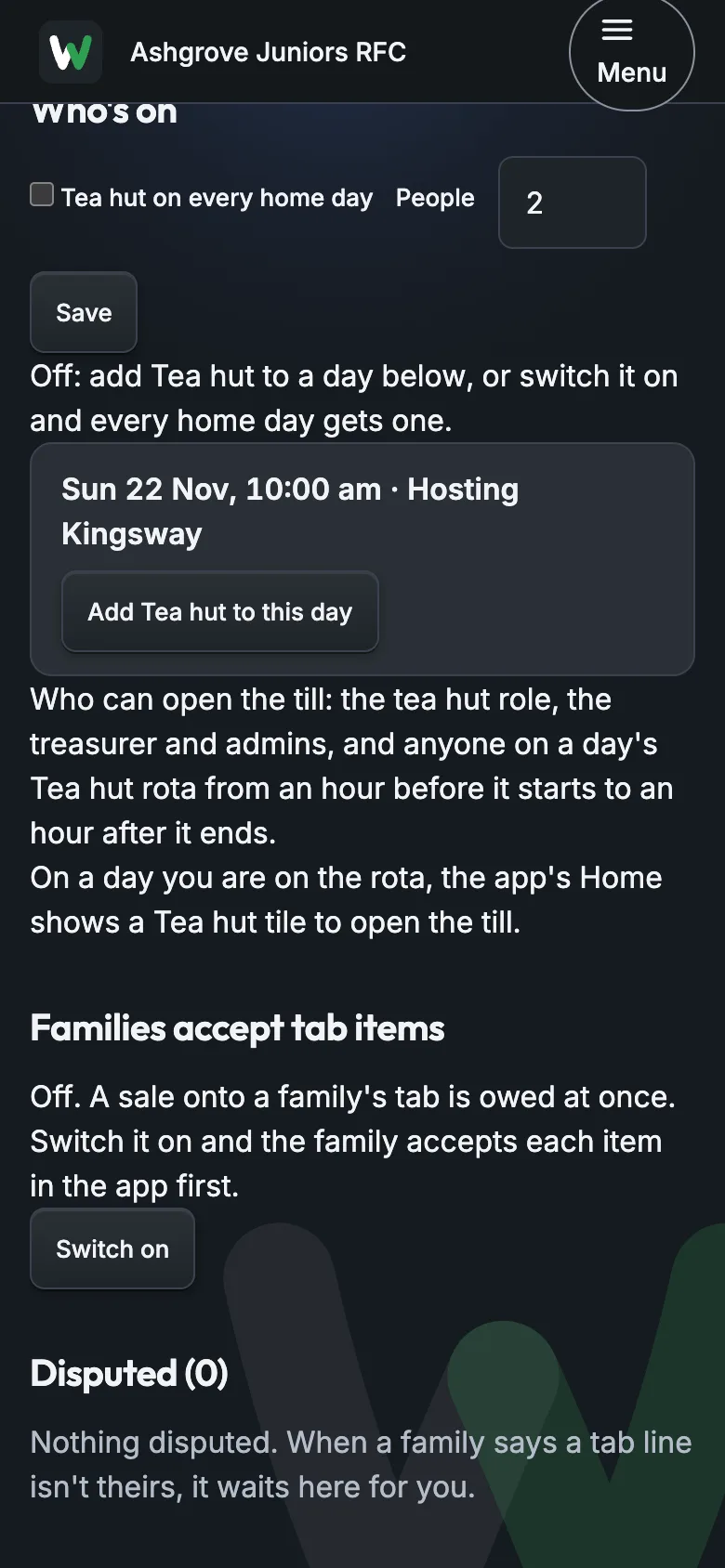
4The tea hut's tabs
Club › Tea hut shows what the hatch took today and the families' open tabs. A line a family says isn't theirs waits under Disputed for you to move or cancel.
About 5 minutes
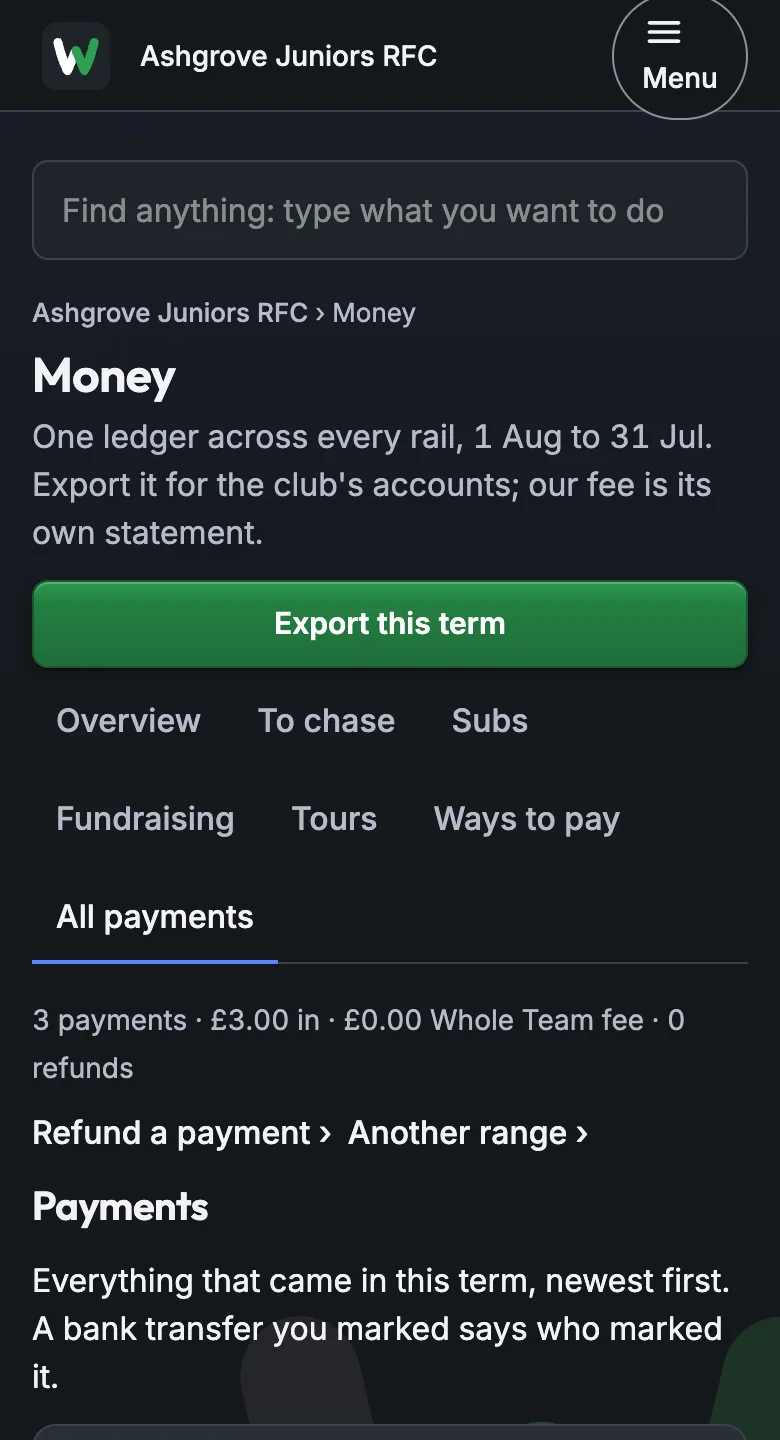
5The books
Money › All payments is one ledger for every way of paying. Export this term for the club's accounts; our fee comes as its own statement.
About 5 minutes
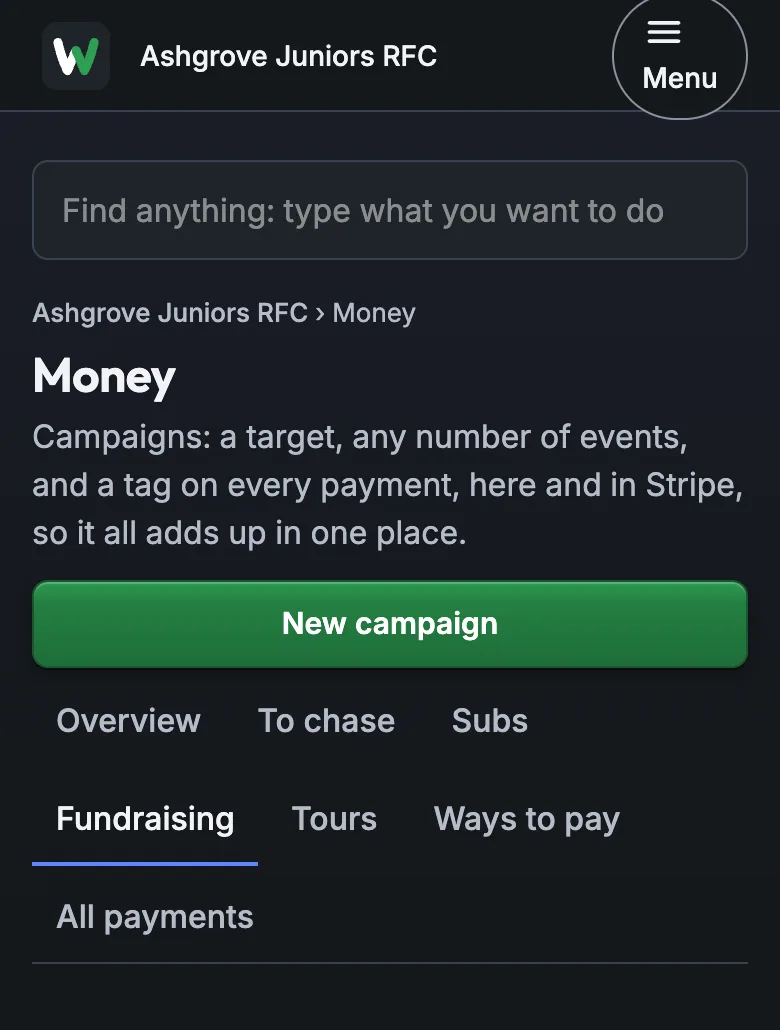
6Campaigns
Money › Fundraising › New campaign: a target and a tag. Every payment for it carries the tag, here and in Stripe, so the campaign adds up in one place.
About 5 minutes
Guides for the day
What to tell the others
Put this in the club's parents' groups when subs open.
Subs for this season are in the Whole Team app: open it and tap Pay on your child's subs. Card, Apple Pay or Google Pay.
The money goes straight to the club's bank account. If you'd rather pay another way, tell me and I'll mark it.
If it goes wrong
"I've paid by bank transfer."
A transfer to the club's bank doesn't reach the app by itself.
Money › To chase › Bank transfer › on their row: mark it paid and it comes off the list.
"That isn't my tea hut line."
A family can say Not mine on a tab line; it waits under Disputed.
Club › Tea hut › Disputed: move it to the right family, or cancel it.
"Why is there a fee on top?"
The card fee goes to whoever the club chose: the family or the club.
"It's the card fee; the club gets the full amount." Or switch it in Money › Subs › Who pays the fee.
Still stuck? Talk to us: a person answers.
You're set up when
- A way to pay is connected
- Your club has a subs plan
- Nothing is waiting under Disputed
- You know where the export is: Money › All payments